Abfig / Figure studio
Turn Your Paper Abstract Into a Graphical Abstract
Paste a paper abstract or upload a sketch to create an AI image draft for author review. Preview for free; eligible paid access unlocks RGB PNG/TIFF downloads.
Need dimensions for a specific journal? Browse journal specifications →
Go from paper abstract to figure: paste your text and Abfig drafts a journal-sized graphical abstract for you to review, refine, and export.
Learn: examples & workflow
From sample abstract to a downloadable figure
This fictional clinical-trial abstract and its actual Abfig draft illustrate the workflow. They are not a published study or clinical evidence. The source input and image labels are in English.
1. Original sample input (English)
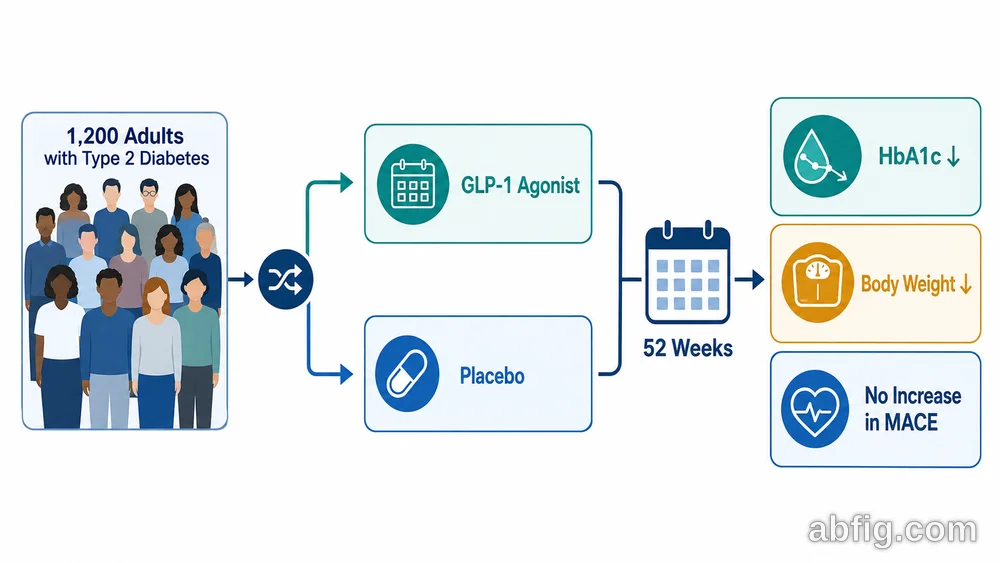
Background: Glycemic control and cardiovascular safety remain key goals in type 2 diabetes management. Methods: In a 52-week randomized, double-blind trial, 1,200 adults with type 2 diabetes received a once-weekly GLP-1 receptor agonist or placebo. Primary endpoints were change in HbA1c and body weight, and cardiovascular events were monitored. Results: The GLP-1 group showed a significant reduction in HbA1c and body weight versus placebo, with no increase in major adverse cardiovascular events. Conclusion: Once-weekly GLP-1 receptor agonist therapy improves glycemic control and weight with a reassuring cardiovascular safety profile.
2. Reviewed example
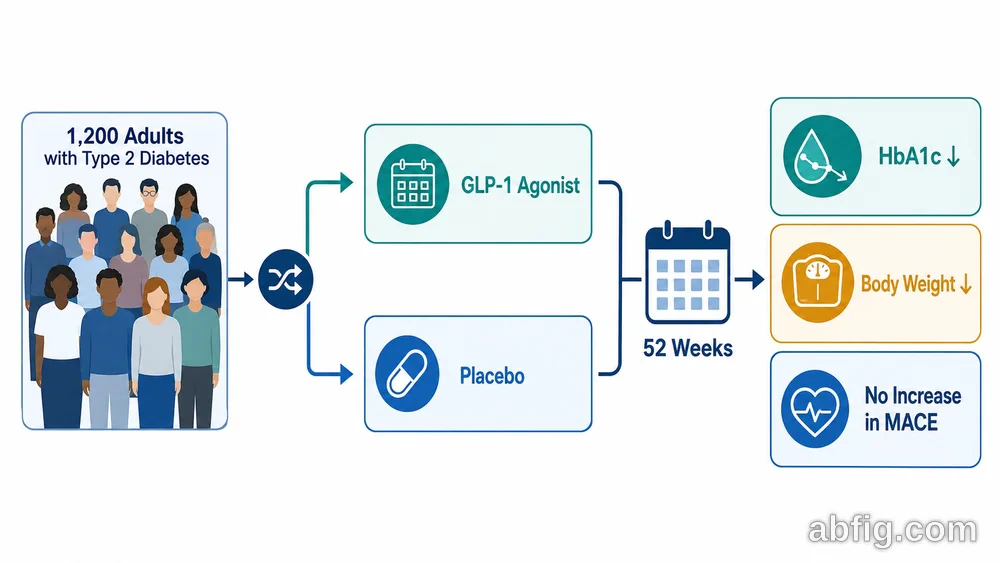
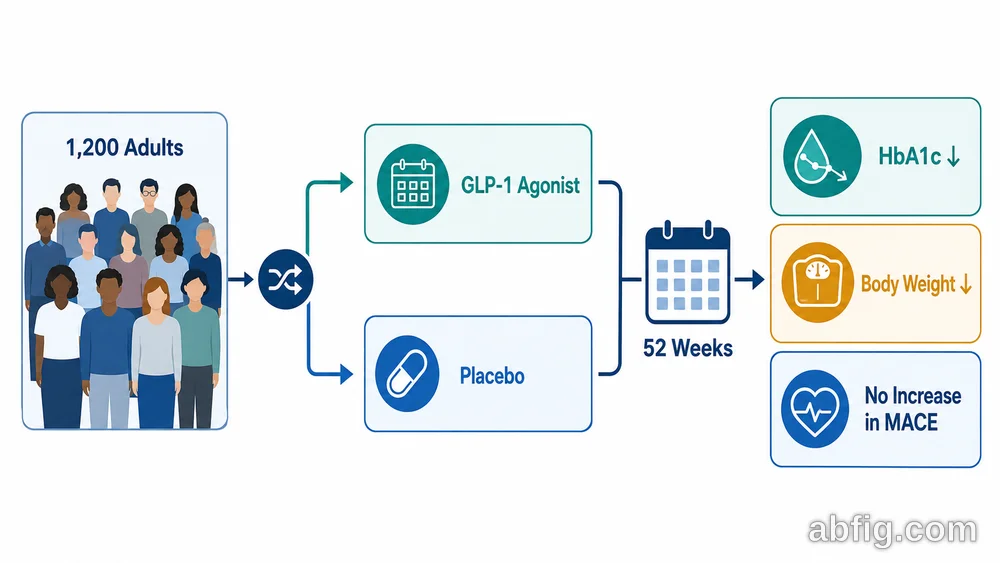
3. Export and check the file
RGB PNG / TIFF · 1000 × 563 px · 300 DPI · approximately 84.67 × 47.67 mm at this resolution.
This downloadable example preserves the public draft’s watermark and pixel dimensions. Exporting does not add scientific detail or improve the source. Check labels, readability and the journal’s current AI-image policy before use. Downloads of your own artwork follow the paid-access rules.
Example: recolor a cell with text
Describe a color change in Refine. Here is a synthetic source and one AI result.
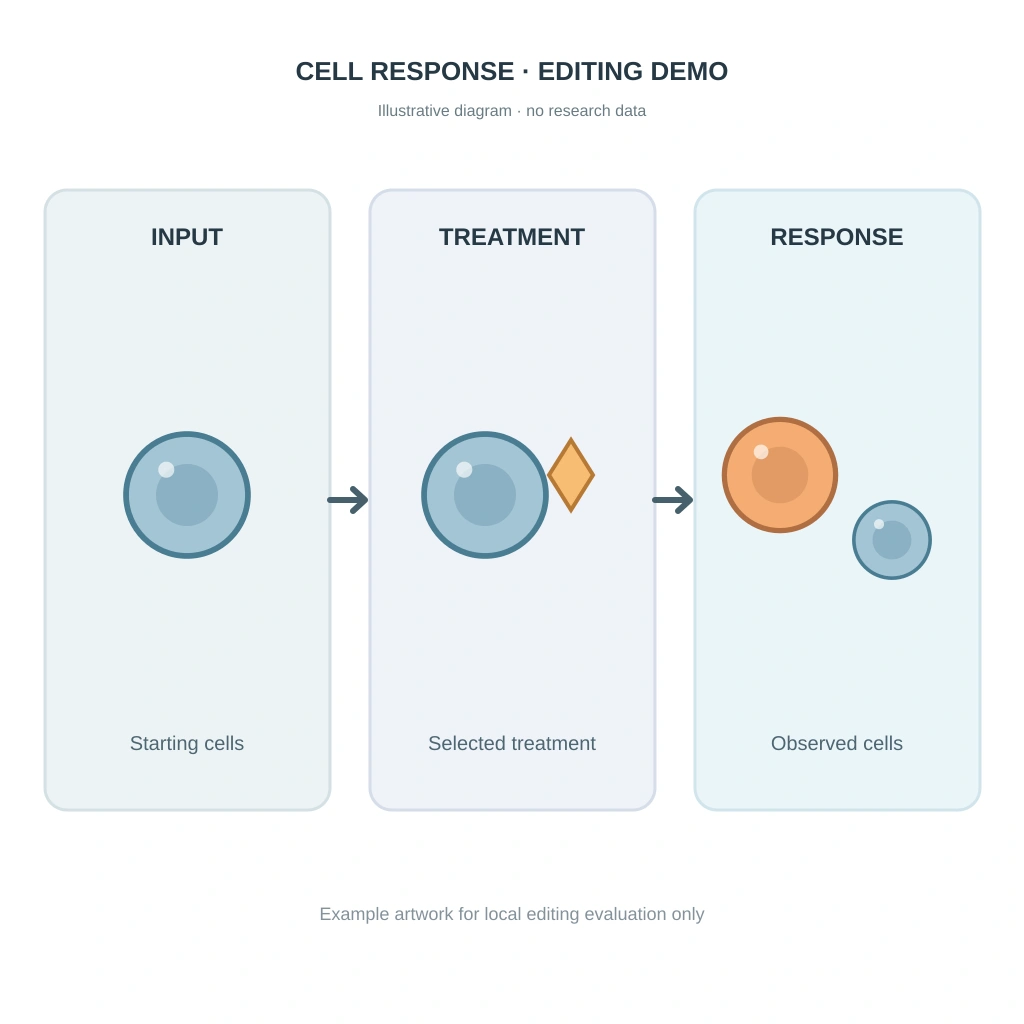
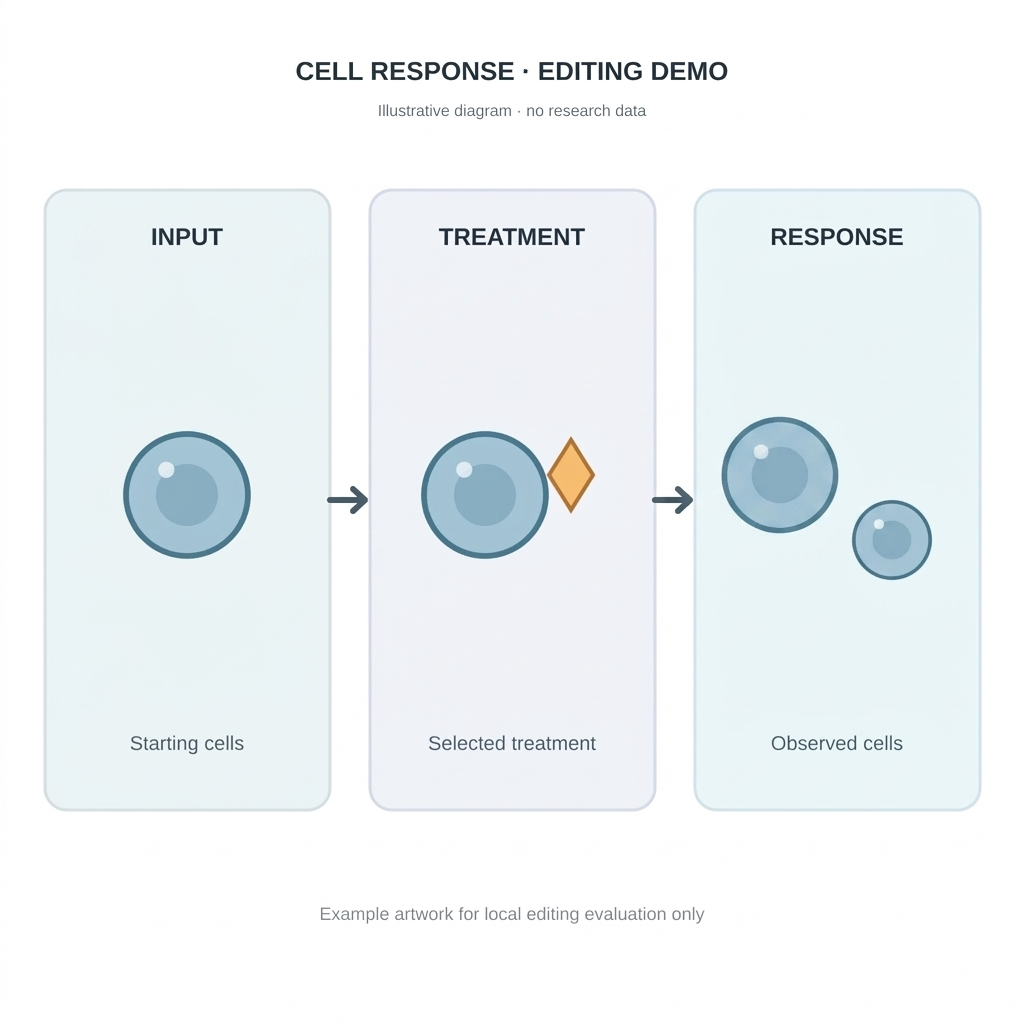
On your own result, choose “AI Refine colors or content,” adapt the instruction, and generate. Compare with the source; check cell count, arrows, text, and color.
English instruction used
Edit the supplied diagram. Recolor only the large orange cell on the left side of the RESPONSE panel to match the blue cells in the INPUT and TREATMENT panels. Preserve the orange cell’s exact diameter, outline, nucleus, position and highlight. Do not change any other cell, the gold treatment marker, arrows, text, panel borders, background or layout. Do not add or remove objects.
This is one synthetic result without research data. The same instruction can produce a different result or alter other objects. Refine redraws the whole image and uses credits.
Example: remove an extra cell
See the source image, the area to brush, and one AI result before editing your own figure.
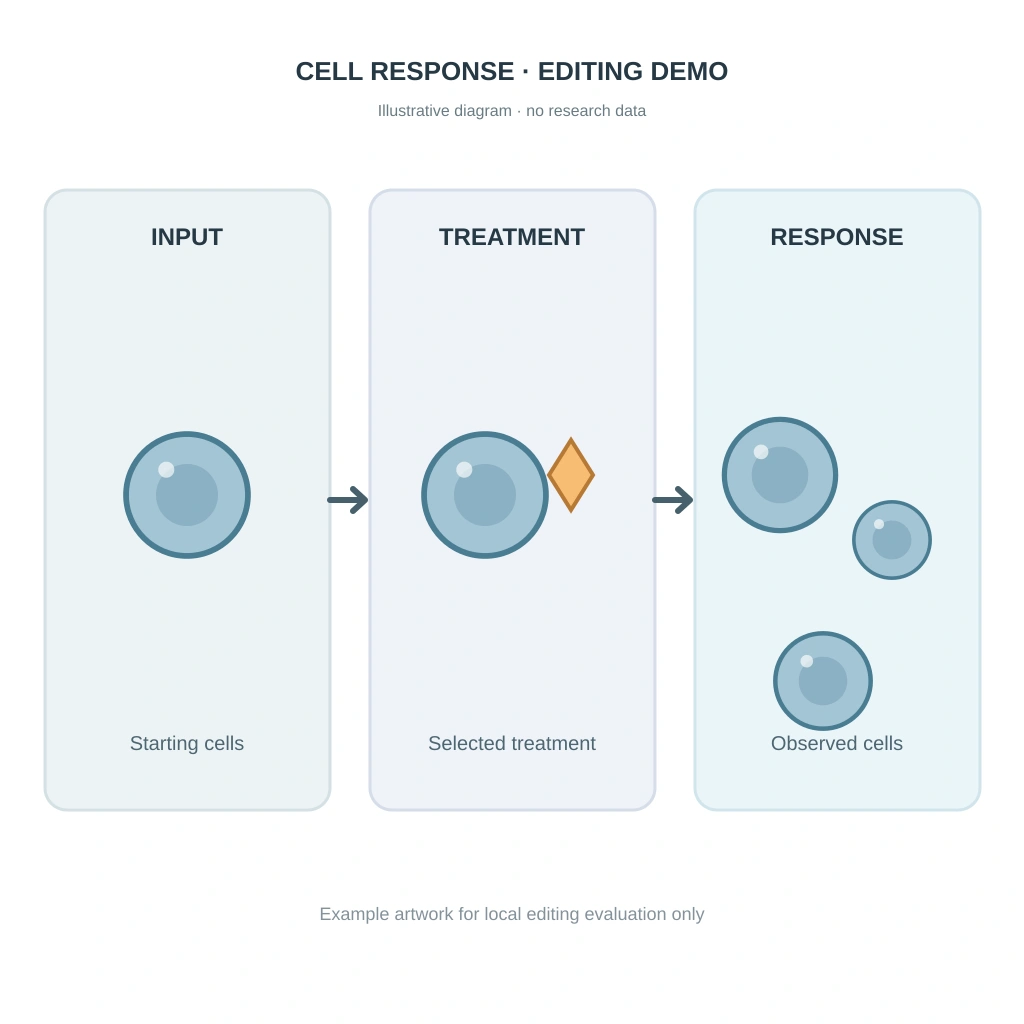
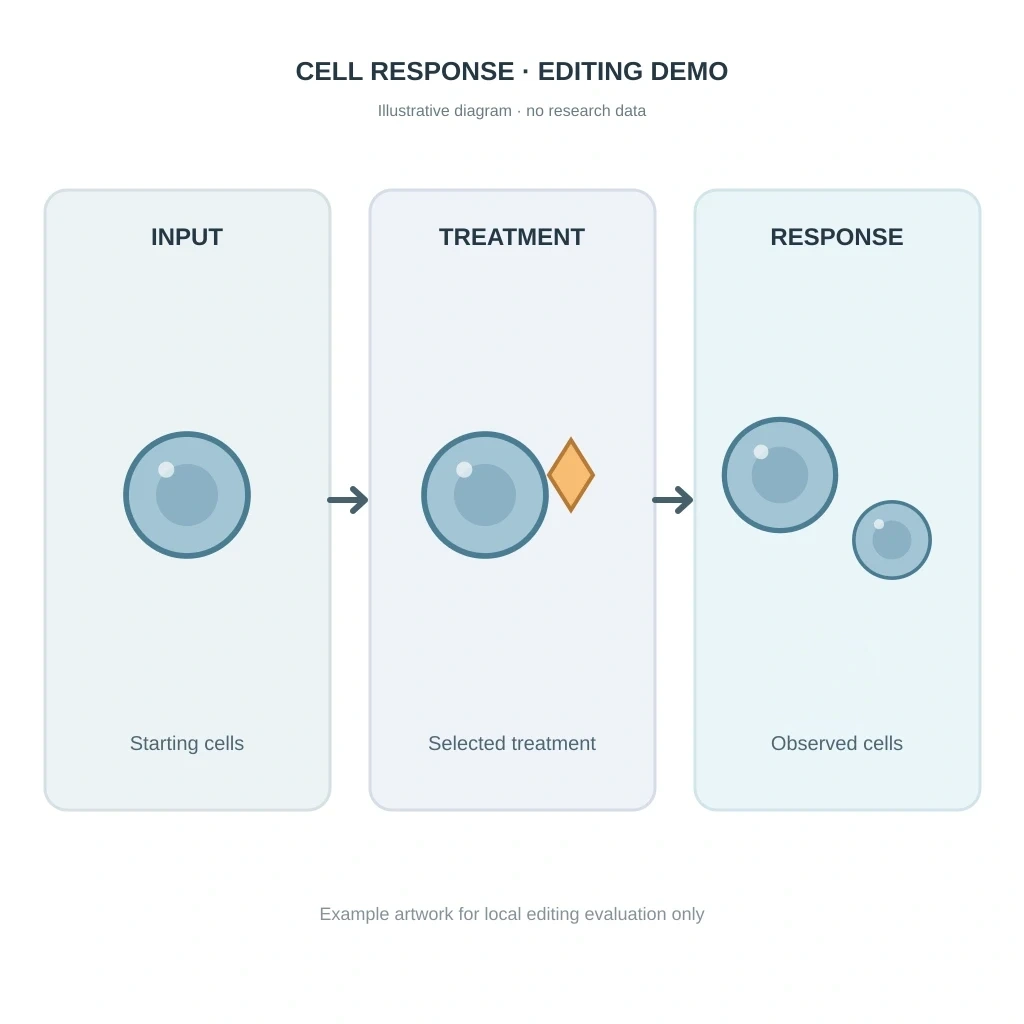
- Brush over the entire unwanted object and a little surrounding background. Avoid labels and nearby objects.
- Describe what should replace the selection, and name the details that must stay. Adapt the sample prompt to your figure.
- Preview the submitted selection before generating. Compare the result with the source and verify the scientific content.
Sample instruction
Remove the isolated extra blue cell in the lower part of the RESPONSE panel. Leave this selected area as empty, uniform pale blue background matching its surroundings. Do not add or replace any object. Keep the other cells, arrows, labels, panel borders, and layout unchanged.
Illustrative diagram without research data. This shows one model result, not a guaranteed outcome. Inpaint redraws the selected area and uses credits.
Alternative: try manual recolor
This sample has one orange cell among blue cells. Try changing just that cell to match the others, then inspect the result. The image is illustrative and contains no research data.
How the Abfig graphical abstract maker works
Paste the central message of your paper and Abfig drafts a visual explanation of the study. You can regenerate the full composition, refine selected regions, and export an RGB PNG or TIFF at a chosen journal preset. The result is a starting point for communicating a method, mechanism, or finding—not a substitute for checking the research content, labels, and publisher policy.
How to turn a paper abstract into a graphical abstract
A useful figure starts with one message, not every sentence in the manuscript. This workflow keeps the draft focused and makes scientific review easier.
Choose the point the reader should remember
Identify the main process, comparison, mechanism, or result. Remove background details that do not change the visual story.
Paste the abstract or start from a sketch
Use 50–8000 characters of abstract text, or upload a rough sketch when you already know the layout you want to explore.
Set the shape and visual direction
Choose an aspect ratio and add concise hints such as a left-to-right workflow, restrained labels, or a blue–teal palette.
Review, refine, and export
Check every relationship and label, regenerate when the structure is wrong, refine selected regions, then export PNG or TIFF at the required dimensions and resolution.
What this graphical abstract generator can help explain
Abfig is designed for conceptual scientific communication. It works best when the source can be organized as a process, relationship, comparison, or concise study overview.
Methods and experimental workflows
Turn a sequence of sampling, treatment, measurement, and analysis steps into a visual flow that readers can scan quickly.
Mechanisms and hypotheses
Draft a conceptual diagram of interacting cells, molecules, materials, or environmental factors without treating the image as primary evidence.
Clinical study overviews
Summarize population, intervention, comparison, and key outcome at a high level while keeping exact values in the manuscript or data figure.
Cross-disciplinary research summaries
Create a common visual entry point for collaborators, conference audiences, lab meetings, preprints, and research presentations.
What to verify before you use an AI-generated scientific figure
The generated image is a draft. The author remains responsible for scientific accuracy, rights, disclosures, and the rules of the target venue.
Scientific accuracy
Check labels, directions, quantities, anatomy, molecular relationships, and causal claims against the manuscript.
Evidence boundaries
Do not use a conceptual AI image to replace microscopy, diagnostic images, measured plots, or other primary research evidence.
Publisher policy
Confirm whether the journal permits AI-assisted figures and what disclosure, attribution, or documentation it requires.
Prepare the figure for its destination
Use these guides to check dimensions, resolution, terminology, and common layout patterns after the scientific content is settled.
Make a conference posterJournal specifications
Compare published size and file guidance for supported journal presets.
DPI checker
Inspect the pixel dimensions and effective print resolution of an exported image.
Visual abstract guide
Learn how visual abstracts summarize a study for clinical and research audiences.
Graphical abstract templates
Review common information structures before choosing a composition.
Graphical abstract maker FAQ
- Can I use Abfig for free?
- You can preview a watermarked 1000px draft for free. Downloads of new artwork require paid access; one-time credit packs are available without a subscription.
- Can I create a figure from a rough sketch?
- Yes. Switch to sketch input, upload a rough layout, and optionally add text guidance. Treat the result as a new AI-generated draft rather than a pixel-perfect tracing.
- Can I edit individual objects in the generated figure?
- Abfig can regenerate the whole image and refine or inpaint selected regions. It is not a vector or object-level illustration editor.
- Which export formats are available?
- Abfig exports RGB PNG and TIFF files. Journal presets can scale the output to published dimensions and 300 DPI, but you should still verify the current author guidelines.
- Does using a journal preset guarantee acceptance?
- No. A preset helps with dimensions and resolution only. Scientific accuracy, disclosure rules, file requirements, and editorial acceptance remain the author's responsibility.