Graphical Abstract Templates for Academic Journals
Download an editable PowerPoint graphical abstract template, or paste your abstract into Abfig to generate an image draft. The PPTX contains native objects you can edit; generated images need scientific review and export as PNG or TIFF.
Open Abstract MakerDownload an editable PowerPoint template
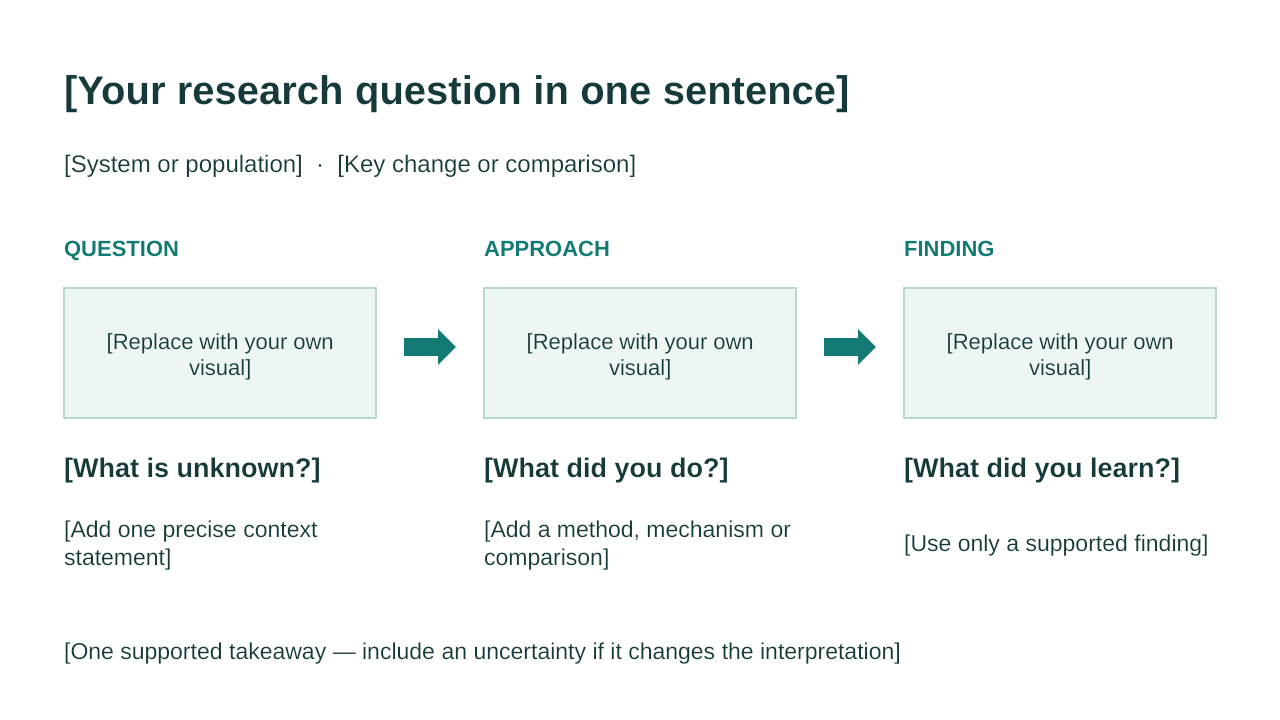
Start with one research question, one approach and one supported finding. Text, shapes and arrows are editable objects in this one-slide English template. It uses a general 16:9 layout; replace the bracketed fields and resize the slide to your journal’s instructions.
 Download the PPTX template
Self-authored by Abfig, released under CC0 1.0 for reuse and adaptation, including commercial work. No third-party illustrations are included. This is a separate template download; generated Abfig images remain raster images, not editable PPTX objects. CC0 1.0
Read the PowerPoint walkthrough →Journal-Sized Templates
Journals that publish a graphical abstract size come with a pre-configured canvas — dimensions and DPI taken from their author guidelines. The rest are listed with their published specs for reference. Select a journal below to get started.
With a pre-configured canvas
Cell
Cell Press (Cell, Cell Reports, iScience…)
Reference specs only — no built-in preset
Science
Science / AAAS
PLOS ONE
PLOS ONE
Frontiers
Frontiers Journals
Wiley
Wiley Journals
Frequently Asked Questions
What is a graphical abstract template?
A graphical abstract template provides a starting layout for a visual summary of your paper. The downloadable PPTX has editable text, shapes and arrows in a general 16:9 layout. Separately, Abfig offers journal-sized canvas presets for AI image drafts. Check the exact journal requirements before preparing the final file.
Are these graphical abstract templates free?
Yes. All journal templates (pre-sized canvases with correct dimensions and DPI) are free to use. AI generation consumes credits — new users receive free starter credits upon sign-up.
Which journals are supported?
Journal-sized templates — canvases pre-configured with the recommended dimensions and DPI — exist only for journals that publish a graphical abstract size. The remaining journals in our reference are listed for spec lookup only and have no built-in size preset; each card below shows which is which. Always verify the final file against official author guidelines before submitting.
How is this different from downloading a blank template?
The PowerPoint template gives you native text, shapes and arrows to edit manually. Abfig’s AI generator creates a raster image draft from your abstract or sketch. Its image editing redraws pixels; it does not turn the generated artwork into editable PowerPoint objects. Review each draft’s scientific content and your journal’s AI-image policy before use.
Need exact specifications?
Browse our complete journal specification reference — dimensions, DPI, color space, and accepted formats for every major journal.
Browse Journal Specs →Ready to create your graphical abstract?
Pick your target journal, paste your abstract, and let AI generate a journal-sized graphical abstract in minutes. Free to start — no credit card required.
Open Abstract MakerTemplate dimensions and specifications are based on publicly available journal guidelines. Always verify the final file against your target journal's official author instructions before submitting.