
ACS TOC Graphic Guidelines: Check the Exact Journal
There is no safe ACS-wide TOC-graphic size or file preset. As checked on 2026-10-02, the current ACS Catalysis author guidelines specify 3.33 × 1.87 in (8.46 × 4.77 cm) for that journal's Table of Contents graphic. Other ACS titles and article types can differ, so use this as a cited example rather than a publisher-wide rule.
Current ACS Catalysis example
| Item | Journal-specific value |
|---|---|
| Journal | ACS Catalysis |
| Artifact | Table of Contents graphic |
| Size | 3.33 × 1.87 in (8.46 × 4.77 cm) |
| Source status | Author guidelines last updated 2026-08-27 |
The same page distinguishes resolution by artwork type: black-and-white line art, grayscale art, and color art do not share one universal DPI value. Check both the artifact and the artwork type before exporting.
Check the AI-image rule separately
Size and permission are different questions. Read the live ACS AI policy for authors and the exact journal instructions before deciding how the final TOC graphic may be produced. The current ACS policy specifically says AI-generated images should not be used in TOC graphics. Abfig can help explore a draft, but do not submit that generated image as an ACS TOC graphic. A correctly sized file does not remove this restriction.
Abfig can generate a raster draft from an abstract or sketch and export RGB PNG or TIFF. Treat the configured ACS canvas as a drafting aid: compare the final dimensions, resolution, file type, scientific content, and production method with the current journal instructions.
Design checks that remain useful
- Keep one main scientific message.
- Make structures, bonds, labels, and arrows readable at the final display size.
- Remove detail that does not help explain the main result.
- Verify permissions and scientific accuracy before submission.
Final check
- Open the exact ACS journal's current author guidelines.
- Confirm that the article type requires a TOC or abstract graphic.
- Copy the dimensions and artwork-specific resolution from that page.
- Check the current AI-image and disclosure rules separately.
- Inspect the exported file rather than relying on a publisher preset alone.
Review the journal policy first
Check the official journal guidance before using AI-generated imagery. If the policy is restrictive or unclear, do not submit an AI-generated figure.
Table of Contents
Author
Categories
Tags
More Posts
Can You Use AI to Make a Graphical Abstract? How to Check
AI-image policies differ by publisher, journal, image type, and intended use. Use the official links and verify the exact rule before submission.
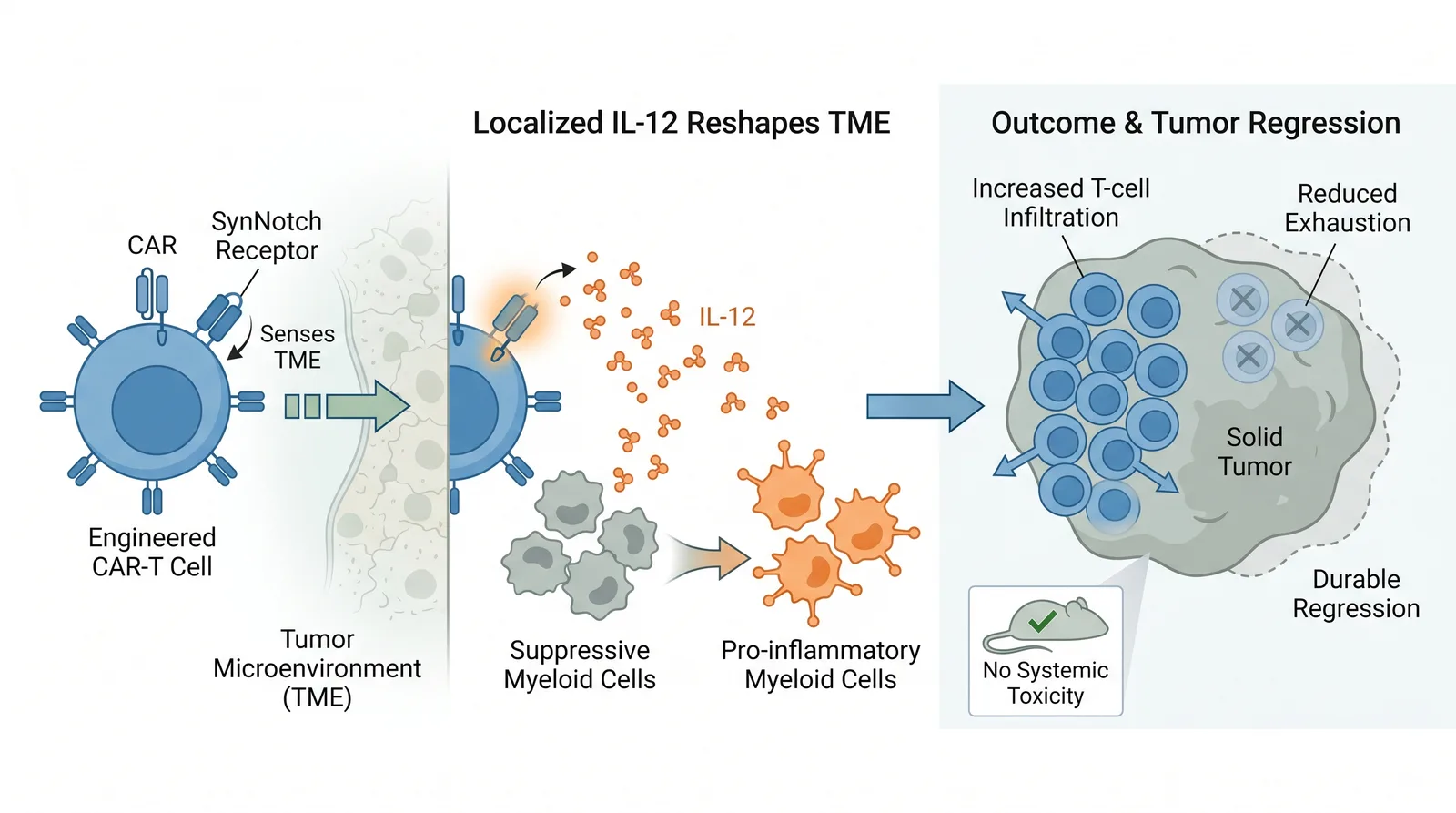
Graphical Abstract Examples: How to Analyze Layout and Hierarchy
Use illustrative Abfig drafts and official journal examples to study layout, hierarchy, labels, and visual flow.

Does PLOS ONE Require a Graphical Abstract? Current Guidance
PLOS ONE does not describe a separate graphical abstract submission. Learn what its optional Striking Image is and where to verify current figure rules.