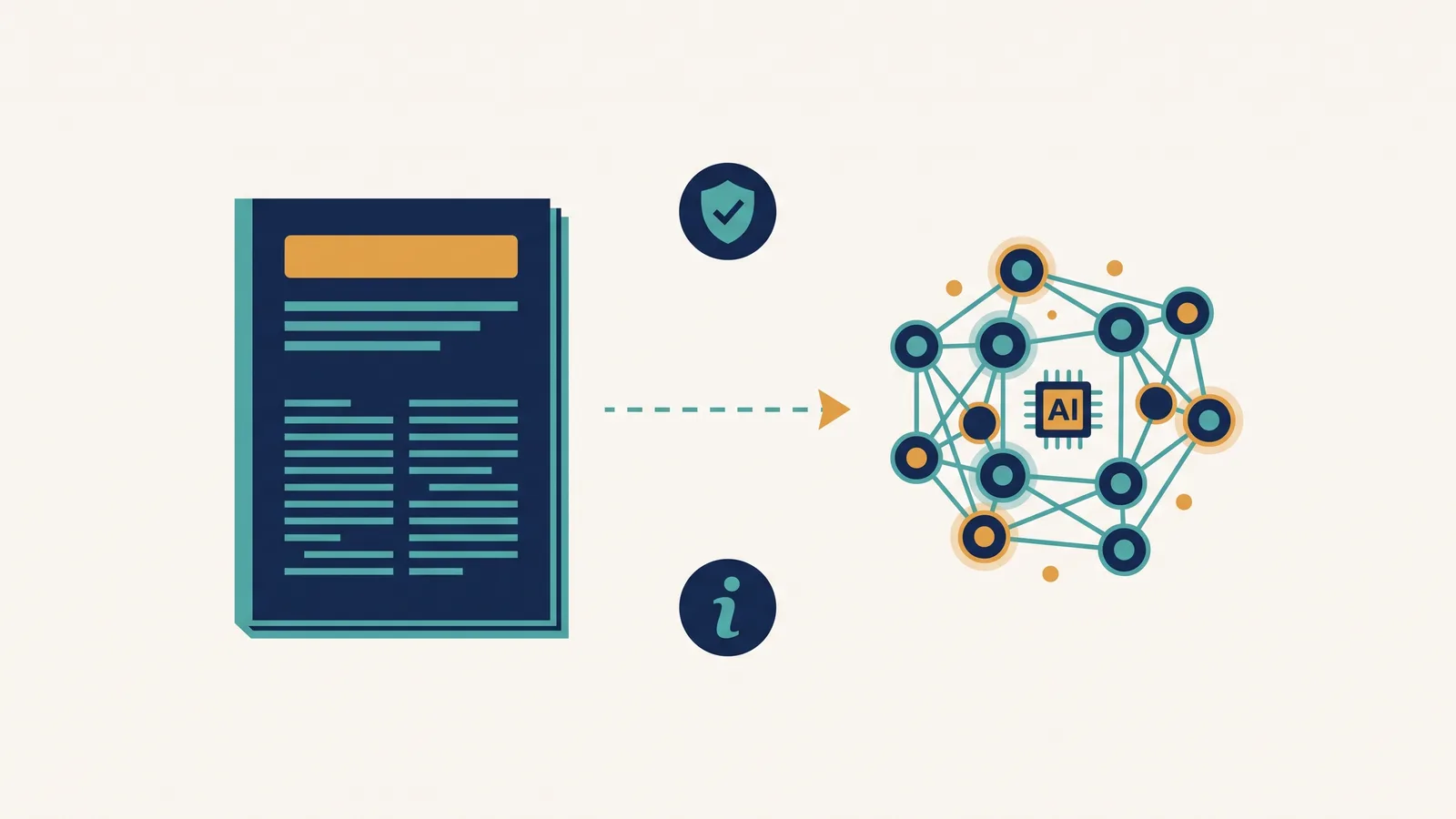
Can You Use AI to Make a Graphical Abstract? How to Check
The short answer
AI tools can create a graphical-abstract draft, but that does not answer whether a specific journal permits the resulting image in a submission. Policies differ by publisher, journal, image type, and intended use, and they change over time.
Start with the rule for the image you intend to submit, then check the exact journal's instructions.
Two current restrictions to check first
ACS specifically excludes AI-generated images from TOC graphics. Elsevier excludes general-purpose generative-AI image tools for graphical abstracts and distinguishes dedicated scientific illustration tools subject to licensing and disclosure conditions. Calling a service a scientific tool does not establish that its generated output meets that exception. Treat Abfig output as a draft; check the intended image-production method with the exact journal before using it in a submission.
Official policy starting points
| Publisher or journal group | Official page |
|---|---|
| Elsevier | Generative AI policies for journals |
| Nature Portfolio | AI editorial policies |
| Wiley | Publishing ethics guidelines |
| ACS | AI policy for authors |
| Frontiers | Policies and publication ethics |
| PLOS ONE | Ethical publishing practice |
| Science | Information for authors |
Then open the exact journal's author instructions. A publisher-level page may not describe every artifact or journal-specific exception.
What to look for in the policy
- Search the official pages for “graphical abstract,” “visual abstract,” “TOC graphic,” “image,” “figure,” and “illustration.”
- Identify the rule for the artifact you intend to submit; cover art, manuscript figures, and graphical abstracts may be treated differently.
- Record the permitted production method, required disclosure location, and any licensing conditions.
- Recheck immediately before submission rather than relying on an older summary.
Where Abfig fits
Abfig generates a raster draft from an abstract or sketch. It supports full-image Refine, brush-mask Inpaint, and RGB PNG or TIFF export. It does not decide whether a journal permits the intended use.
Treat every generated result as a draft until you have checked scientific accuracy, dimensions, file type, production method, rights, and disclosure against the exact journal's current instructions.
Frequently asked questions
Does using an AI tool always require disclosure? Follow the exact journal's current wording. Do not infer a universal disclosure rule from another publisher or another image type.
Can I submit an Abfig image as-is? Do not assume so. First verify the scientific content and the journal's current format and AI-image rules.
Which journals allow AI-generated graphical abstracts? There is no durable answer that can safely replace the live official pages. Use the links above and the exact journal instructions.
Review the journal policy first
Check the official journal guidance before using AI-generated imagery. If the policy is restrictive or unclear, do not submit an AI-generated figure.
Table of Contents
Author
Categories
Tags
More Posts
Frontiers Graphical Abstract Guidance: Check the Journal First
The general Frontiers author guide does not define one standalone graphical abstract specification. Check the exact journal page and current figure rules.
Wiley Graphical Abstract Guidelines: Check the Exact Journal
Wiley requirements vary by journal. Compare two current Angewandte Chemie sources that disagree on the wide size, then recheck the live title.
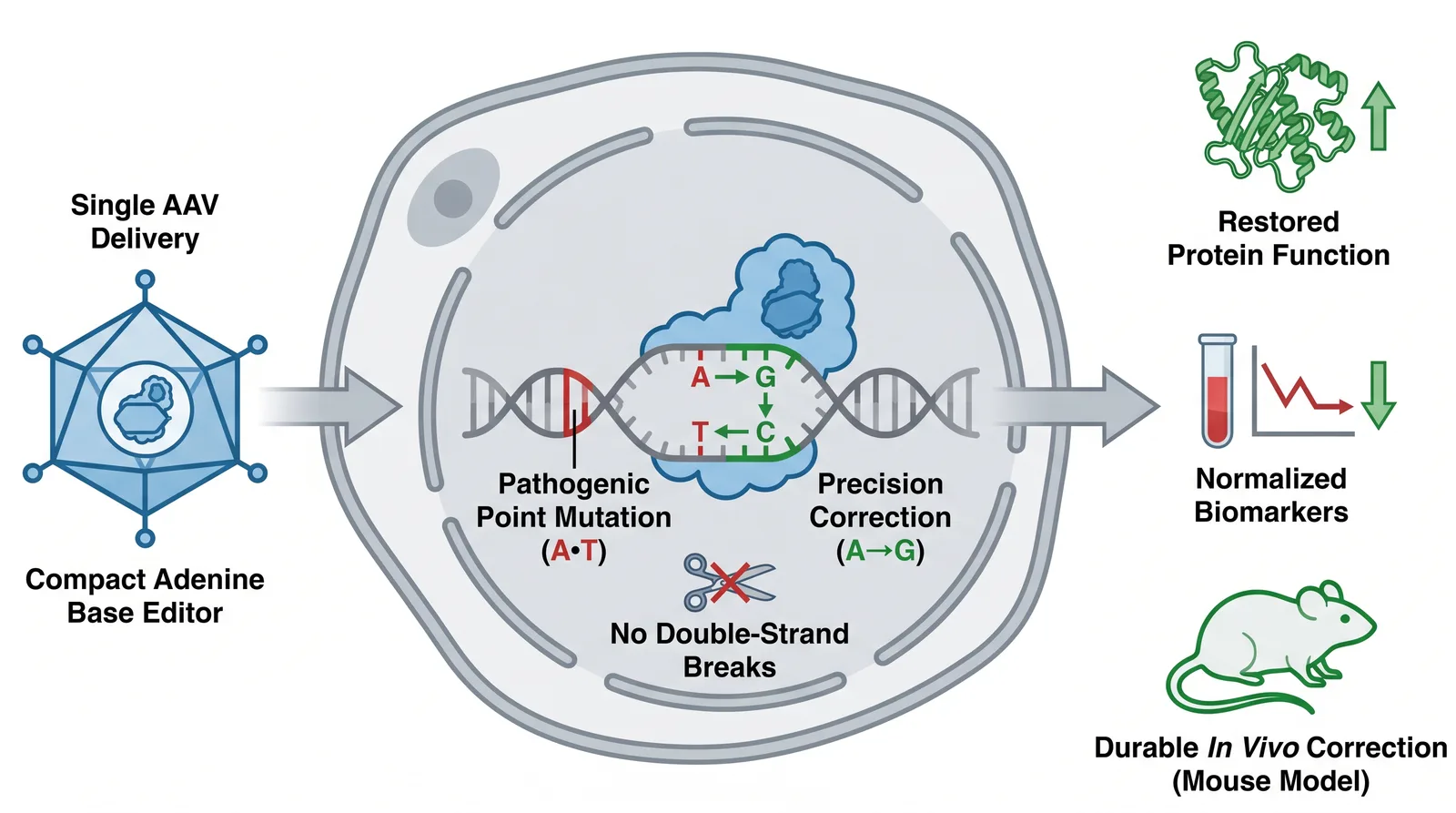
How to Make a Graphical Abstract: A Practical 2026 Workflow
Plan, generate, refine, and export a graphical abstract while checking the current instructions for your target journal.