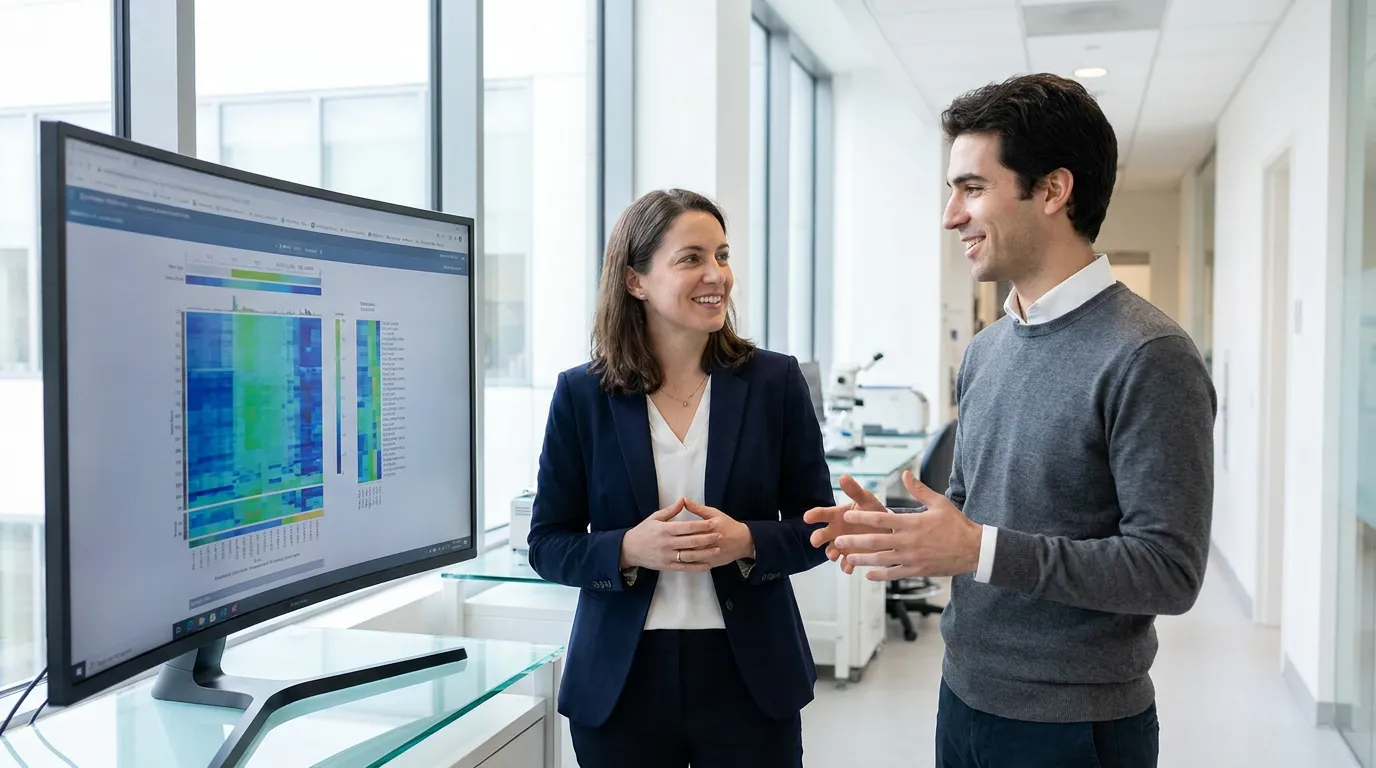
Frontiers Graphical Abstract Guidance: Check the Journal First
TL;DR
As checked on 2026-08-30, the general Frontiers author guidelines provide requirements for figures but do not define one standalone graphical abstract size, square format, PNG requirement, or 20 MB graphical-abstract limit.
Do not treat a publisher-wide blog summary as the submission specification. Open the instructions for the exact Frontiers journal and article type you are using.
What the general figure guide says
The current general guide asks authors to prepare figures at the final size with sufficient resolution and lists supported figure formats. Those rules apply to figures generally; they should not be relabeled as a dedicated graphical-abstract specification when the guide does not say that.
At the time of this check, the general guide lists 300 dpi for color or grayscale images and identifies TIFF, JPEG, and EPS among the figure formats. Your journal or article type may add more specific instructions.
A safer verification workflow
Before designing:
- Open the exact journal's author page.
- Search for “graphical abstract,” “visual abstract,” and “figure.”
- Confirm whether the item is required, optional, or not requested.
- Record the exact dimensions, file type, resolution, and upload field from that page.
- Read the current image and AI-use policy rather than relying on an older summary.
If no dedicated graphical-abstract instruction appears, do not invent a square canvas or file-size limit.
Using Abfig for a draft
Abfig can generate an exploratory raster draft from text or a sketch. Use Refine to redraw the full image when the composition needs to change, or Inpaint to redraw a brushed region when one bounded area needs correction.
The result still needs scientific review. It also needs to be finalized through a workflow permitted by the target journal's current policy. Abfig does not guarantee that a draft is acceptable for submission.
Final check
- The exact journal and article type request this item.
- Dimensions and formats come from the current official page.
- Labels and relationships match the manuscript.
- The final production method follows the current image policy.
- The exported file is inspected after any conversion.
Check your file against the specifications
Use the DPI checker for dimensions, resolution, and format, then confirm the latest requirements in the target journal's official guidance.
Table of Contents
Author
Categories
Tags
More Posts

ACS TOC Graphic Guidelines: Check the Exact Journal
ACS TOC-graphic requirements vary by journal. Use ACS Catalysis as a current cited example, then verify the exact title and article type.
How to Make a Graphical Abstract: A Practical 2026 Workflow
Plan, generate, refine, and export a graphical abstract while checking the current instructions for your target journal.
TIFF vs PNG for Graphical Abstracts: Check the Journal
Neither TIFF nor PNG is universally safest for submission. Compare the formats, then use the exact journal's accepted-file list.