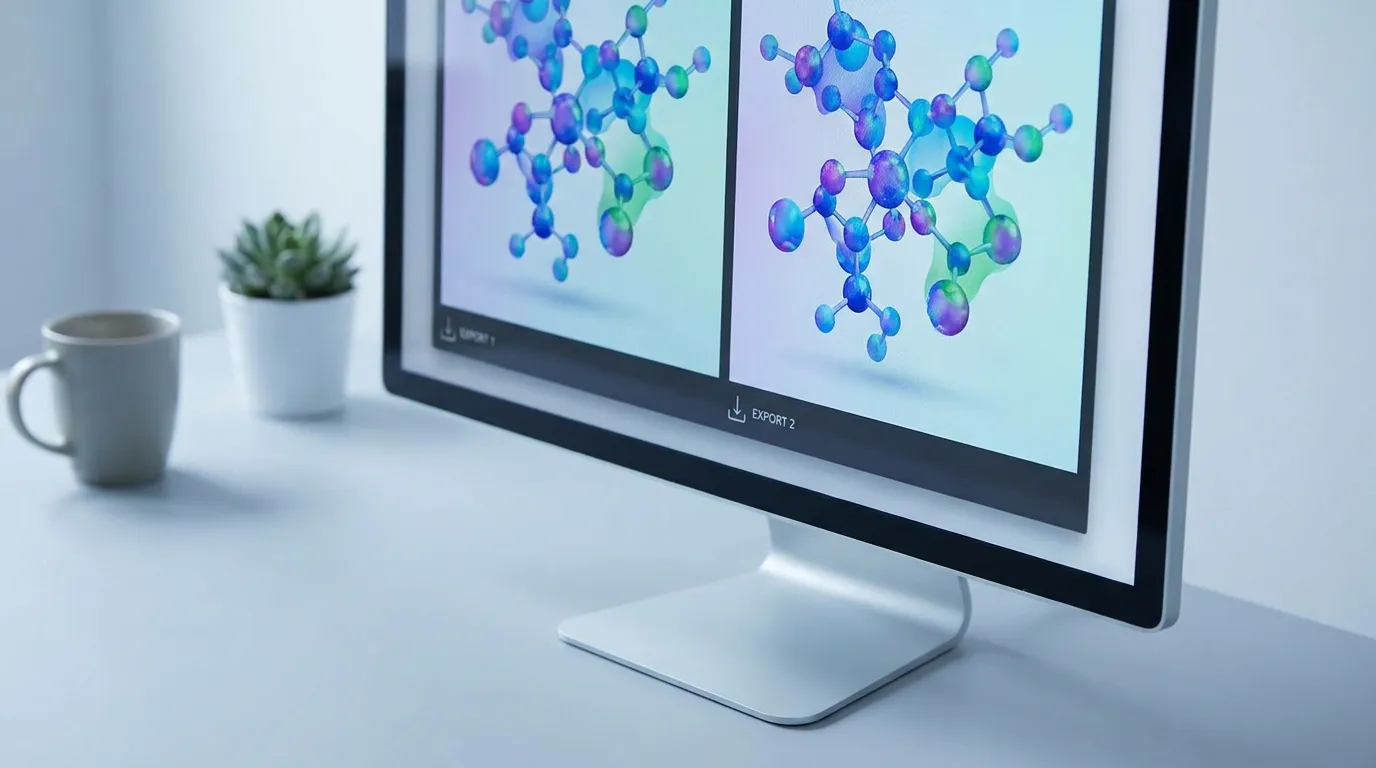
TIFF vs PNG for Graphical Abstracts: Check the Journal
TIFF and PNG are both lossless raster formats, but neither is a universal submission default. Choose a format from the exact journal's current accepted-file list, then verify the pixel dimensions and resolution.
Official examples differ: Elsevier's publisher guide lists TIFF, EPS, PDF, or MS Office among its preferred files, while the Cell Press 2018 guide lists TIFF, PDF, or JPG. That difference is why a generic “TIFF is always safest” rule is unreliable.
TIFF and PNG compared
| Format | Useful properties | Submission decision |
|---|---|---|
| TIFF | Lossless raster; supports high bit depth and large files | Use when the exact journal lists it |
| PNG | Lossless raster; efficient for diagrams and screen use; supports transparency | Use when the exact journal lists it |
| JPEG | Lossy raster; efficient for photographic content | Use only when accepted and visually appropriate |
Resolution is a separate check
A file extension does not guarantee enough pixels for the intended physical size. Compare the exported width and height with the journal's required dimensions and inspect any density metadata separately.
What if the journal asks for EPS or PDF?
Abfig exports RGB PNG or TIFF. If the exact journal requires another format or color space, use an appropriate production workflow and inspect the converted file. Do not describe a converted file as a native Abfig export.
Final checklist
- The exact journal lists the chosen format.
- Pixel dimensions and physical size meet the current instructions.
- Text and lines remain readable after export.
- Transparency, color, and compression behave as expected.
Review the journal policy first
Check the official journal guidance before using AI-generated imagery. If the policy is restrictive or unclear, do not submit an AI-generated figure.
Table of Contents
Author
Categories
Tags
More Posts
Graphical Abstract Layout Structures: Which One Fits Your Research
Compare three useful layout structures—flow, central figure, and comparison—and choose one that matches the scientific story.
Elsevier Graphical Abstract Guidelines: Size, Format & Workflow
Elsevier recommends a minimum 1328 × 531 px graphical abstract at 300 dpi. Check the current preferred formats and your journal-specific instructions.

Wiley Graphical Abstract Guidelines: Check the Exact Journal
Wiley requirements vary by journal. Compare two current Angewandte Chemie sources that disagree on the wide size, then recheck the live title.