• Abfig
Platform
  • Abfig
  • Pricing
  • Journals
  • Blog
Wiley Graphical Abstract Guidelines: Size, DPI & Format
2026/07/04· Last updated 2026/07/30

Wiley Graphical Abstract Guidelines: Size, DPI & Format

TL;DR

Wiley graphical abstract requirements vary by journal title — there is no single Wiley-wide size. As a concrete example, Angewandte Chemie uses roughly 55 × 50 mm or 110 × 25 mm at 300 DPI in RGB, as TIFF. Always check your specific Wiley journal's author guidelines — start from Writing for Wiley journals — before you build the figure.

Wiley graphical abstract specs at a glance

RequirementWiley value
Fixed sizeNo — varies by journal
Example (Angewandte Chemie)~55 × 50 mm or 110 × 25 mm
Resolution300 DPI
Color spaceRGB
File formatTIFF (varies by journal)
TextMinimal — legible at small size

Wiley is a large publisher with very different journals, so a size that fits one title may be wrong for another. Confirm against your journal's instructions before building anything.

Before you submit — check Wiley's current AI policy yourself. Wiley updated its author AI guidance in 2026, and its rules are not uniform across image types — data visualizations, illustrations, and photographs are treated differently. Read the current publishing ethics guidelines and your journal's own instructions rather than relying on a summary; where AI use is permitted at all, Wiley requires disclosure. Treat an AI-generated figure as a drafting and sizing aid, not a drop-in final submission. Use Abfig to plan the layout and confirm the size and 300 DPI, then make sure the figure you submit complies with Wiley's current policy.

What Wiley journals generally want

Across titles, the shared expectations are straightforward:

  • One clear message that summarizes the study at a glance.
  • A layout that fits the journal's frame — some are near-square, some are wide strips.
  • 300 DPI, RGB so the figure prints and displays cleanly.
  • Minimal text, legible at the final small size.

How Abfig helps you prepare a Wiley figure

If you don't use Illustrator, Abfig can draft the concept and handle the sizing. The flow is:

  1. Paste your abstract — optionally let the AI condense it into a tight visual brief — or upload a rough sketch.
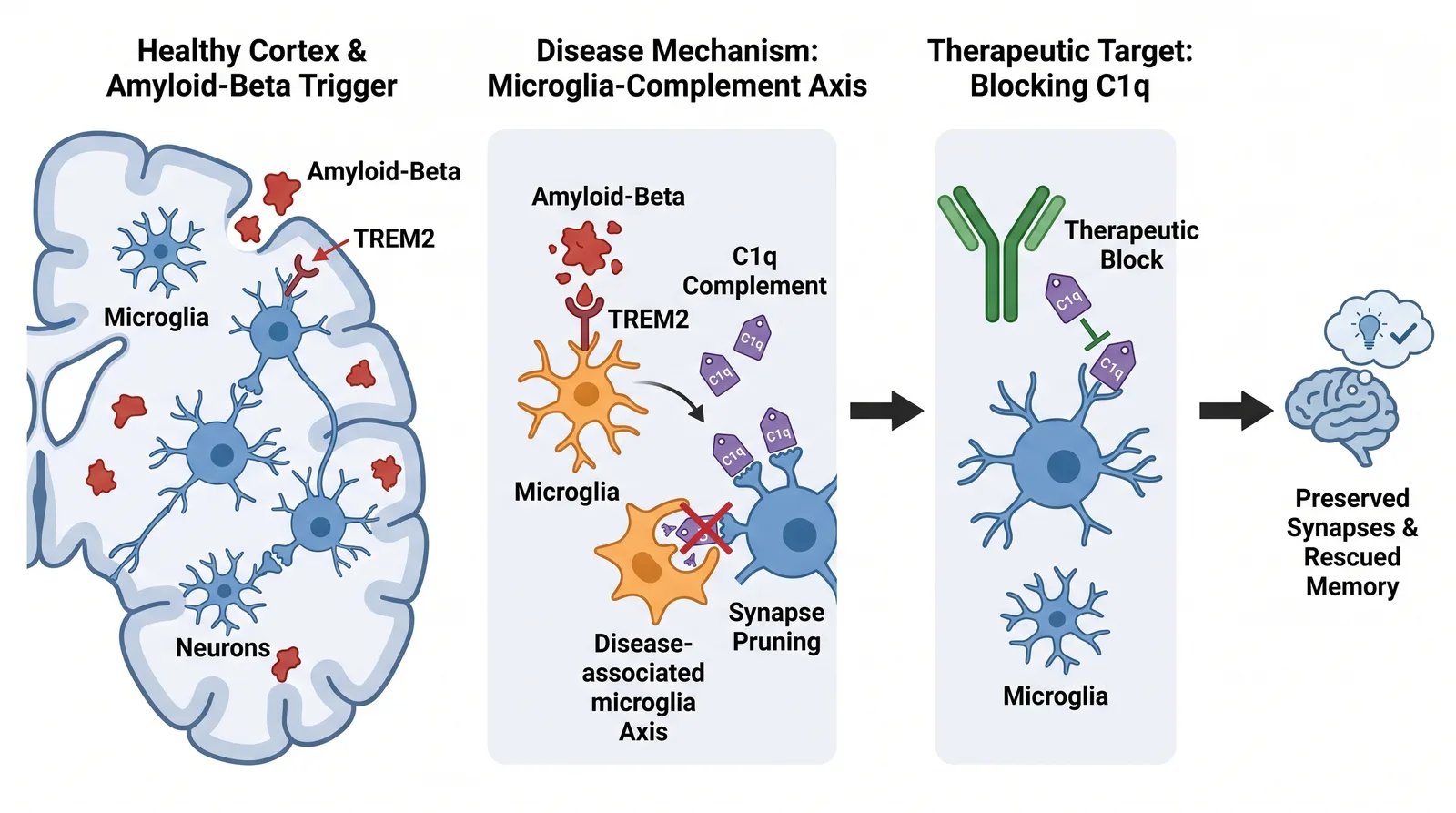
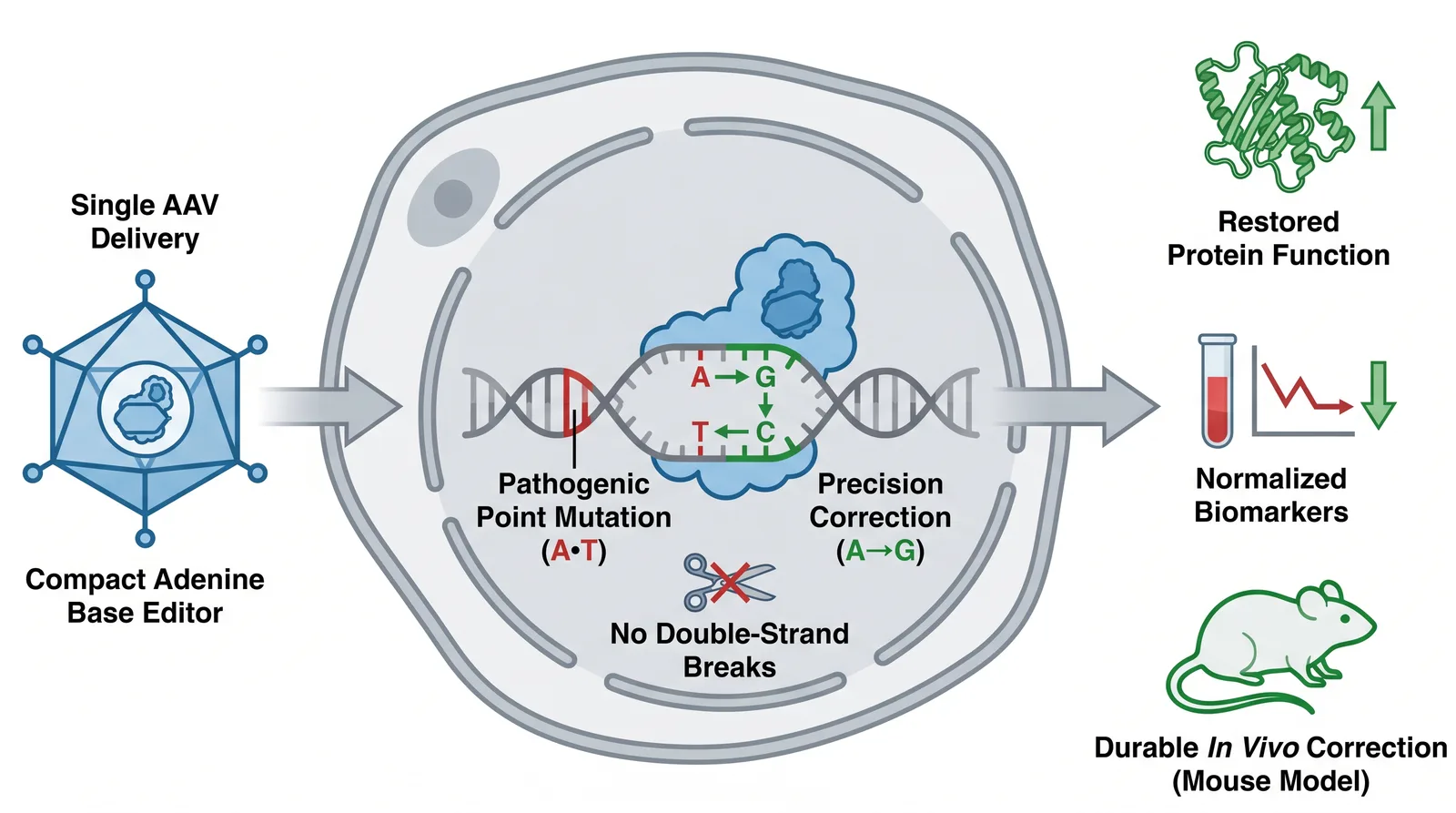
  2. Draft the figure. Abfig's AI produces a clean graphical abstract image as a starting point.
  3. Export at 300 DPI. Export as TIFF at submission resolution, sized to your journal's frame.

The journal page shows how the Wiley graphical abstract requirements map to an export. Abfig exports at submission resolution as TIFF or PNG. As the AI-policy note above explains, use the draft to plan and size — and make sure the final figure complies with Wiley's policy, disclosing any AI use, before you submit.

Common mistakes to avoid

  • Assuming one size. Wiley titles differ — a size that fits one journal may fail another.
  • Wrong shape. Check whether your journal expects a near-square figure or a wide strip.
  • Low resolution. Aim for 300 DPI; don't upscale a screenshot.
  • Too much text. Keep it to short labels legible at small size.

Conclusion

Wiley has no universal graphical abstract spec — sizes vary by title (Angewandte Chemie runs ~55 × 50 mm or 110 × 25 mm at 300 DPI). Confirm the size and the AI policy in your journal's guidelines via Writing for Wiley journals. Abfig can draft and correctly size a figure in a few minutes — a draft to finalize against Wiley's policy, not an auto-approved submission.


Related guides

  • How to make a graphical abstract
  • Graphical abstract size & DPI requirements

Create your own graphical abstract

Paste your paper abstract and Abfig drafts a journal-sized figure, sized for your target journal.

Open the graphical abstract makerGraphical Abstract Maker →
All Posts

Table of Contents

  • TL;DR
  • Wiley graphical abstract specs at a glance
  • What Wiley journals generally want
  • How Abfig helps you prepare a Wiley figure
  • Common mistakes to avoid
  • Conclusion
  • Related guides

Author

A
Abfig TeamWe help researchers draft graphical abstracts with AI and size them to each journal's specifications.

Categories

Journal Guides

Tags

Graphical AbstractSubmission GuideWiley

More Posts

How to Make a Graphical Abstract for Journal Submission (Complete Guide 2026)
Journal Guides

How to Make a Graphical Abstract for Journal Submission (Complete Guide 2026)

Learn how to make a graphical abstract that meets journal requirements the first time. Complete 2026 guide covering Nature, Cell, and Elsevier specs, step-by-step workflow, and common rejection mistakes.

Abfig Team
2026/06/12
Graphical Abstract Size & DPI Requirements by Journal
Journal Guides

Graphical Abstract Size & DPI Requirements by Journal

A quick-reference table of graphical abstract size, DPI, color space, and file format for Nature, Cell, Elsevier, ACS, and more — with the DPI rule that prevents desk rejection.

Abfig Team
2026/06/24
How to Make a Graphical Abstract Without Illustrator or Photoshop
Journal Guides

How to Make a Graphical Abstract Without Illustrator or Photoshop

You don't need Adobe software to make a graphical abstract that meets journal requirements. Compare PowerPoint, Inkscape, and AI generators, with the export settings each needs to pass journal checks.

Abfig Team
2026/07/04
Abfig

Create graphical abstracts matched to your target journal in minutes. Built for researchers, no design skills needed.

[email protected]
Email
Abfig - Featured on Startup Fame

© 2026 Abfig All Rights Reserved.

Links
  • Features
  • Pricing
  • Changelog
  • By a Human
  • Contact
Resources
  • Journal Specs
  • Graphical Abstract Templates
  • DPI Checker
  • Visual Abstract
  • Abfig vs BioRender
  • Blog
  • Changelog
Legal
  • Privacy Policy
  • Terms of Service
  • Refund Policy
  • Cookie Policy