
Cell Press Graphical Abstract Guidelines: Size & Format
The official Cell Press graphical-abstract guide, published in 2018 and edited on 2018-09-10, describes a single-panel 1200-pixel square at 300 dpi and lists TIFF, PDF, or JPG. The same article says most Cell Press journals will ask for a graphical abstract, not that every title shares an immutable submission rule.
Use those values as a dated official reference, then check the live Cell Press figure guidelines and the exact journal's submission instructions.
Dated Cell Press reference
| Item | Published guidance |
|---|---|
| Shape | Square, single panel |
| Size | 1200 px square |
| Resolution | 300 dpi |
| File types | TIFF, PDF, or JPG |
| Text | Sparse and readable |
For the publisher-wide baseline, see our Elsevier graphical abstract size and format guide; the exact Cell Press journal's instructions take precedence.
Layout guidance
The same official guide recommends a clear top-to-bottom or left-to-right reading direction, minimal text, and fewer distracting elements. Those principles remain useful even when a journal changes its technical upload requirements.
Check the image policy separately
Read Elsevier's live generative-AI policy for journal images and the exact Cell Press title's instructions before deciding how the final image may be produced. Do not infer permission from the dimensions alone.
Abfig can create a raster draft from text or a sketch and export RGB PNG or TIFF. Use the Cell-oriented canvas as a starting point, then verify the final size, file type, scientific content, production method, and disclosure requirements.
Final checklist
- The exact title requests a graphical abstract.
- The current journal page confirms the size and accepted file types.
- Labels and relationships match the manuscript.
- The live image policy permits the intended production workflow.
Turn this guidance into a visual draft
Use Abfig to explore a layout and communication draft. Check every scientific detail and the target journal's current policy before using it.
Table of Contents
Author
Categories
Tags
More Posts
Why Was Your Graphical Abstract Returned? 7 Checks
Check journal-specific dimensions, resolution, legibility, format, density, permissions, and scientific focus before resubmitting.
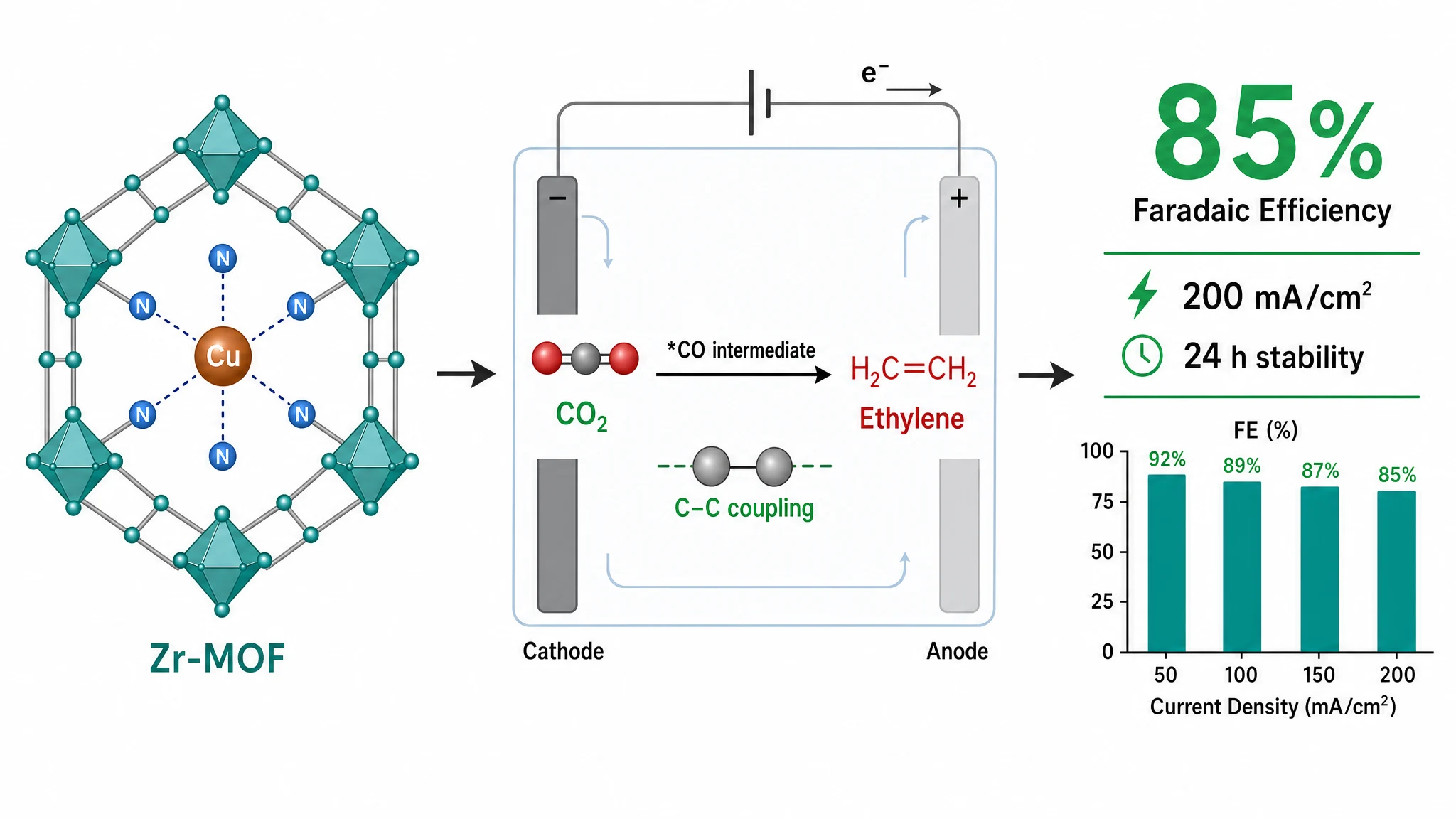
Graphical Abstract Size & DPI Requirements by Journal
Graphical-abstract size, resolution, color, and file rules are journal-specific. Compare cited examples, then verify the exact journal.

Wiley Graphical Abstract Guidelines: Check the Exact Journal
Wiley requirements vary by journal. Compare two current Angewandte Chemie sources that disagree on the wide size, then recheck the live title.