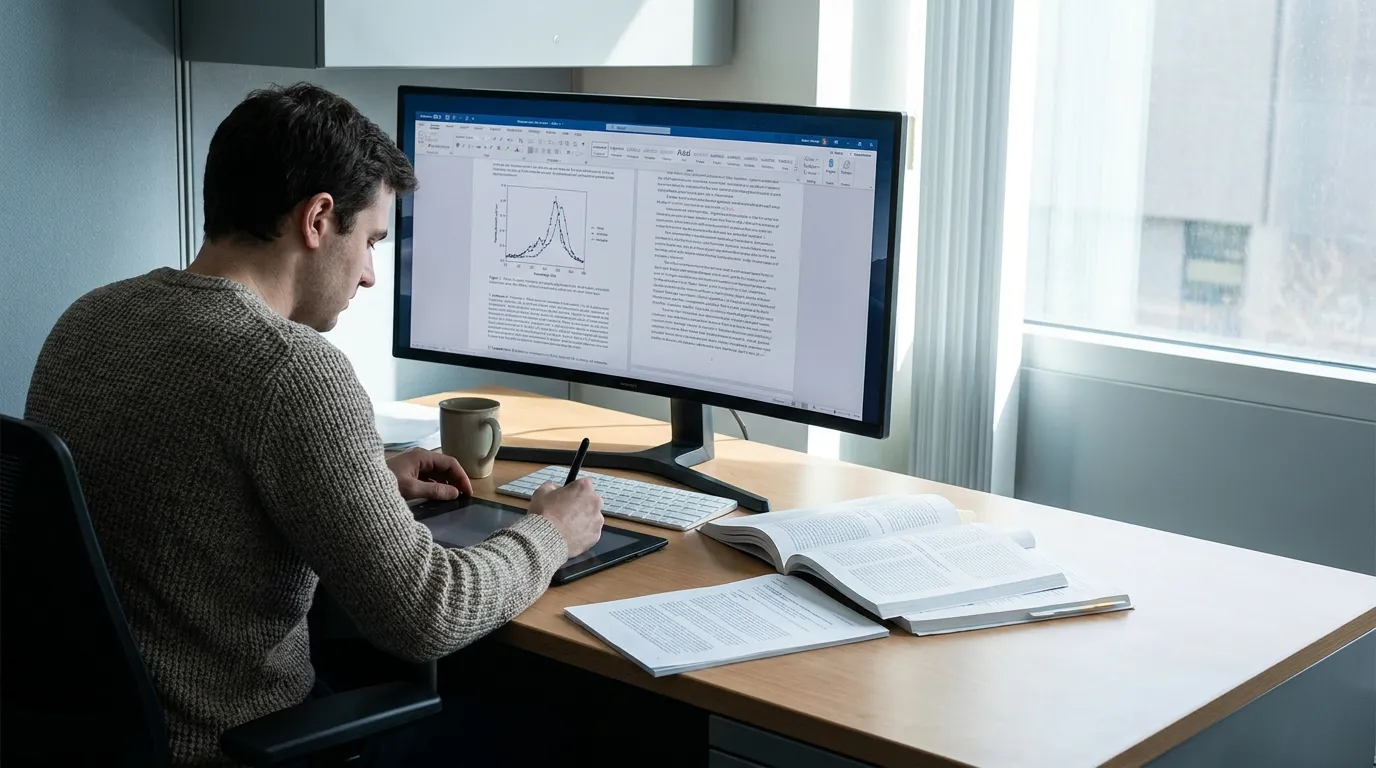
Elsevier Graphical Abstract Guidelines: Size, Format & Workflow
TL;DR
As checked on 2026-08-30, Elsevier's current graphical abstract guide recommends an image of at least 1328 × 531 px at 300 dpi. It lists TIFF, EPS, PDF, or MS Office files as preferred formats.
That is publisher-level guidance. Always check the author instructions and submission fields for the exact Elsevier journal before preparing the final file.
Elsevier reference values
| Requirement | Current general guidance |
|---|---|
| Minimum image size | 1328 × 531 px |
| Resolution | 300 dpi |
| Shape | Wide landscape |
| Preferred files | TIFF, EPS, PDF, or MS Office |
Do not add JPEG or PNG to the preferred-format list unless the target journal's current instructions explicitly list it.
Design for the wide format
The wide landscape area works well for a left-to-right story:
- context or input;
- key mechanism, change, or comparison;
- main result or implication.
Keep labels short and make one visual path dominant. A square design stretched into the wide frame can make text and icons difficult to read.
Using Abfig as a drafting workflow
Choose the Elsevier preset to start from the target proportion, then generate a raster draft from text or a rough sketch. Use Refine when the entire composition needs a redraw and Inpaint when one brushed region needs a local redraw.
Abfig currently exports raster formats, not EPS, PDF, or MS Office files. If the target journal needs another format, use an appropriate conversion or authoring tool and inspect the converted file. Do not describe that conversion as a native Abfig export.
AI-generated drafts also require a separate policy check. Read Elsevier's current generative-AI and image policy plus the exact journal instructions before deciding how the final submitted artwork must be produced.
Final checklist
- Minimum 1328 × 531 px unless the journal says otherwise.
- 300 dpi and readable labels at final display size.
- A file type listed by the exact journal.
- Scientific relationships verified against the manuscript.
- Final artwork produced and disclosed according to current policy.
Turn this guidance into a visual draft
Use Abfig to explore a layout and communication draft. Check every scientific detail and the target journal's current policy before using it.
Table of Contents
Author
Categories
Tags
More Posts
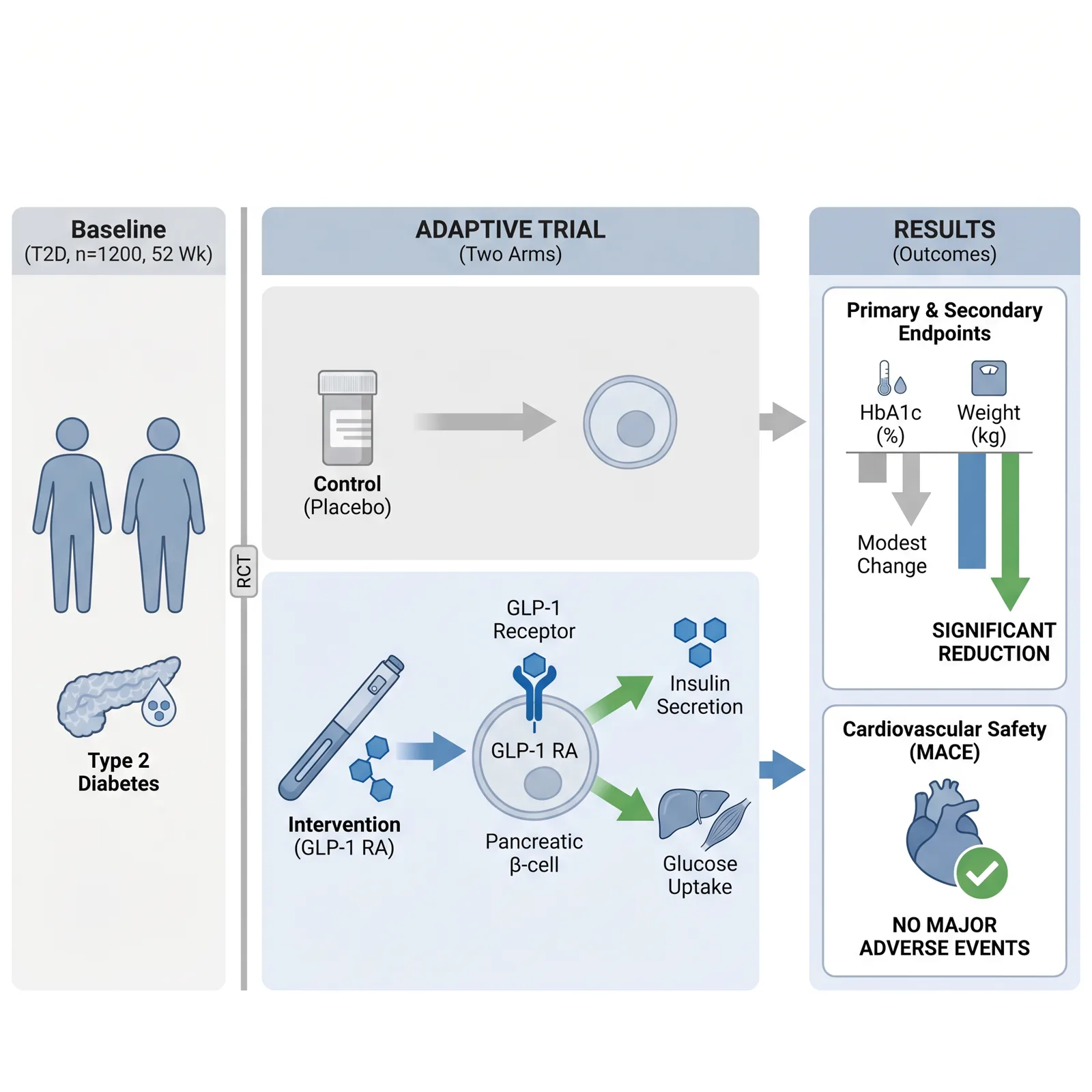
Visual Abstract vs Graphical Abstract: Check the Journal
Visual abstract and graphical abstract overlap, but they are not guaranteed to be the same deliverable. Follow the exact journal definition.
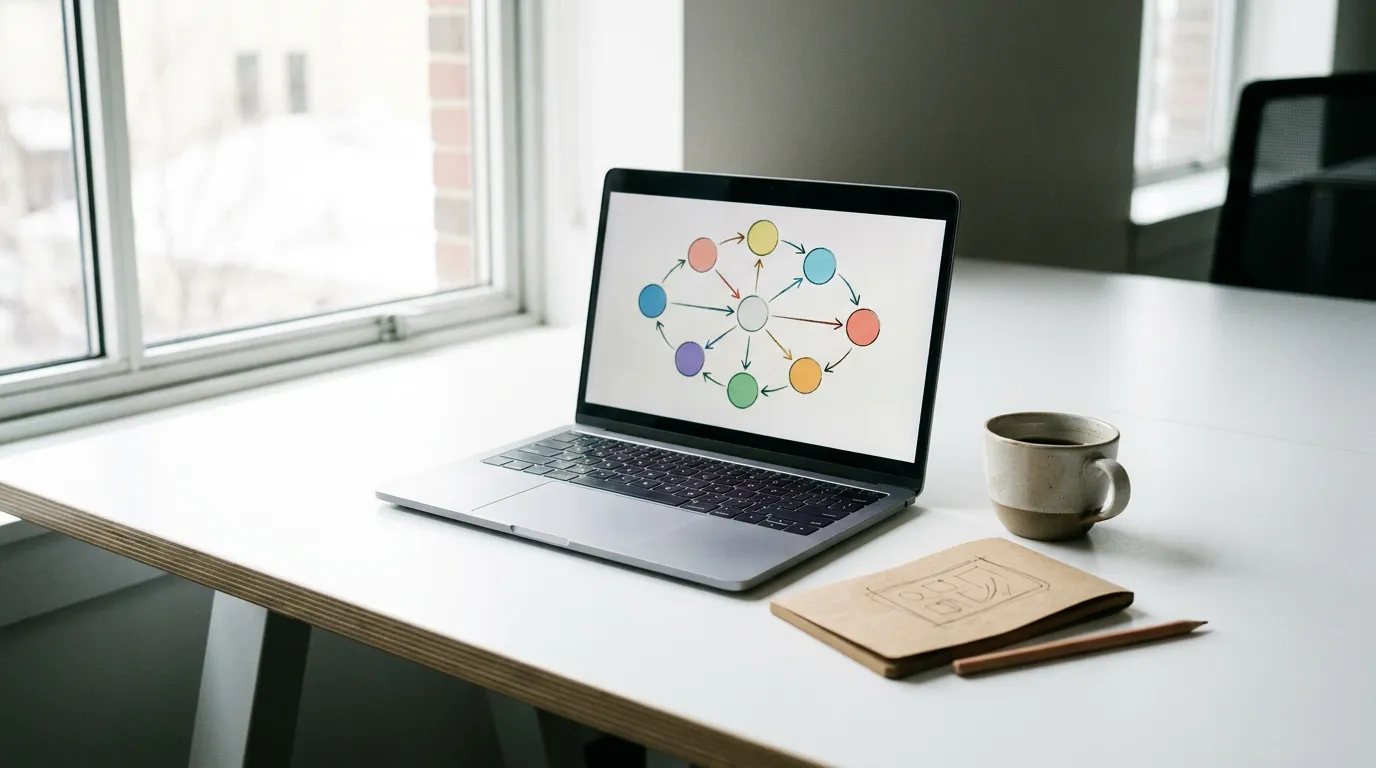
How to Make a Graphical Abstract Without Illustrator or Photoshop
Compare PowerPoint, Inkscape, and an AI drafting workflow, then verify dimensions, resolution, and file format against your target journal.
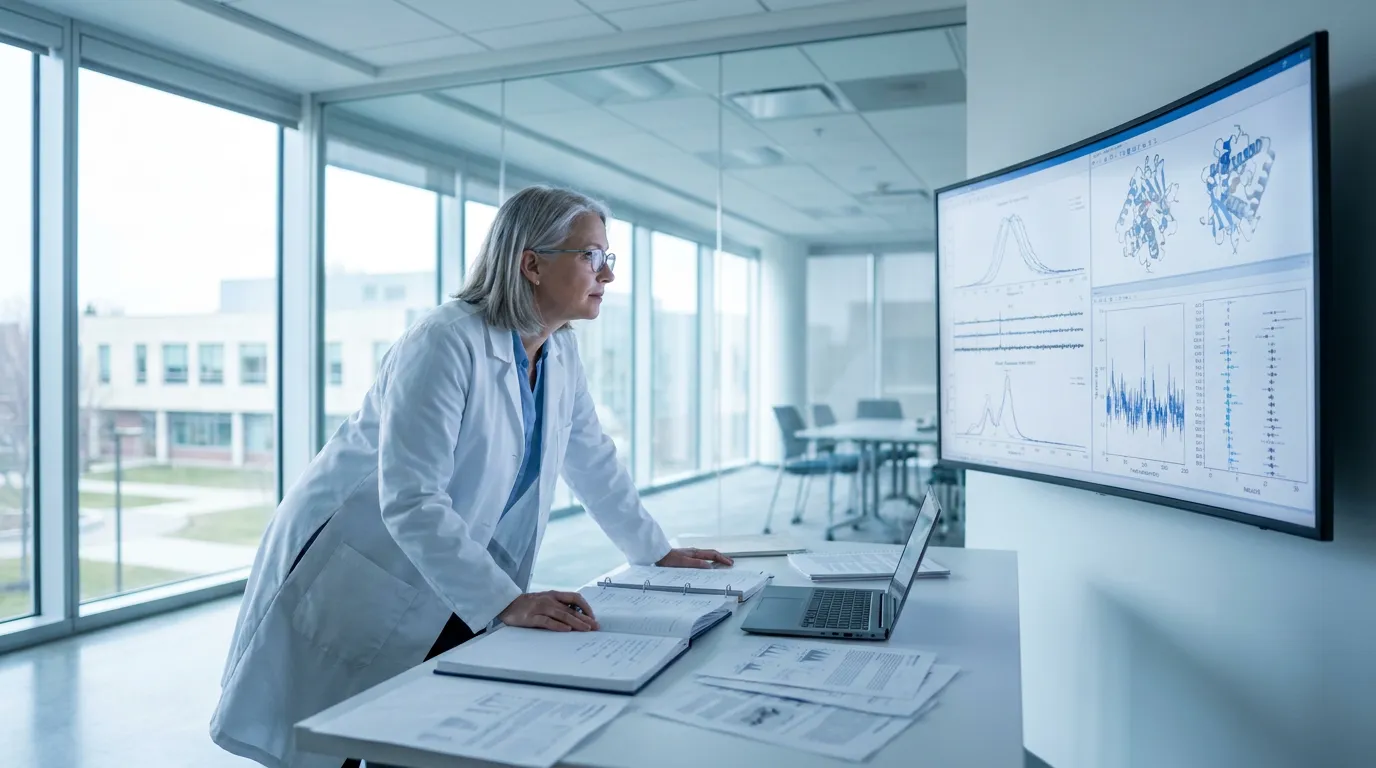
Cell Press Graphical Abstract Guidelines: Size & Format
Cell Press published a 1200-pixel-square graphical-abstract guide in 2018. Treat it as an official reference and verify the live journal instructions.