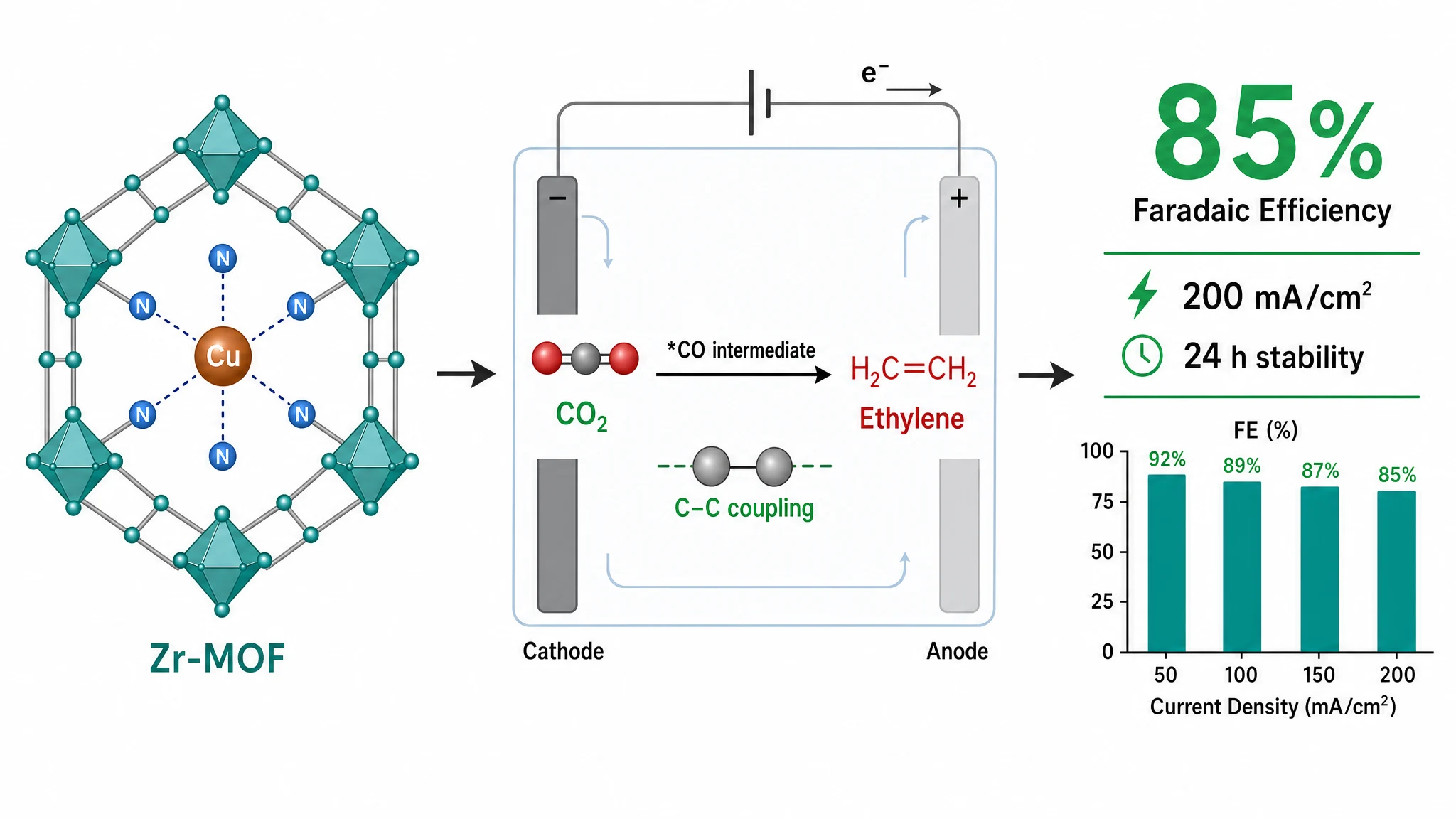
Graphical Abstract Size & DPI Requirements by Journal
There is no safe universal DPI, canvas, color-space, or file-format rule. The examples below come from official publisher or journal pages and deliberately keep journal-specific values separate.
Cited examples
| Official example | Size | Resolution | File guidance or caveat |
|---|---|---|---|
| Cell Press (2018 guide) | 1200 px square | 300 dpi | TIFF, PDF, or JPG; verify the live title |
| Elsevier publisher guide | minimum 1328 × 531 px | minimum 300 dpi | TIFF, EPS, PDF, or MS Office preferred; exact journal may differ |
| ACS Catalysis | 3.33 × 1.87 in | depends on artwork type | one journal example, not an ACS-wide preset |
| Nature Chemical Biology | 90 × 50 mm | figure panels minimum 300 dpi | applies to this title, not all Nature Portfolio journals |
| Angewandte Chemie Notice 01/26 | 55 × 50 mm or 115 × 25 mm | 300 dpi | separate official Graphics Guidelines currently say 110 mm wide; recheck before using the wide format |
1. Resolution
Several examples specify 300 dpi for color artwork, but that is not a universal publisher rule. ACS Catalysis, for example, distinguishes black-and-white line art, grayscale art, and color art. Verify the artwork type as well as the journal.
2. Dimensions and aspect ratio
Build to the dimensions named by the exact journal. A single publisher portfolio can contain incompatible requirements: Nature Communications does not allow a graphical abstract, while Nature Chemical Biology specifies 90 × 50 mm.
3. Color space and file format
Use only the color mode and file types named by the exact journal guide. Abfig exports RGB PNG or TIFF; if another format or color space is required, use an appropriate production workflow and inspect the converted file.
Final workflow
- Open the current instructions for the exact journal and article type.
- Copy the size, resolution, color, and accepted file types.
- Treat an Abfig preset or custom canvas only as a setup aid.
- Inspect the final file before submission.
Check your file against the specifications
Use the DPI checker for dimensions, resolution, and format, then confirm the latest requirements in the target journal's official guidance.
Table of Contents
Author
Categories
Tags
More Posts
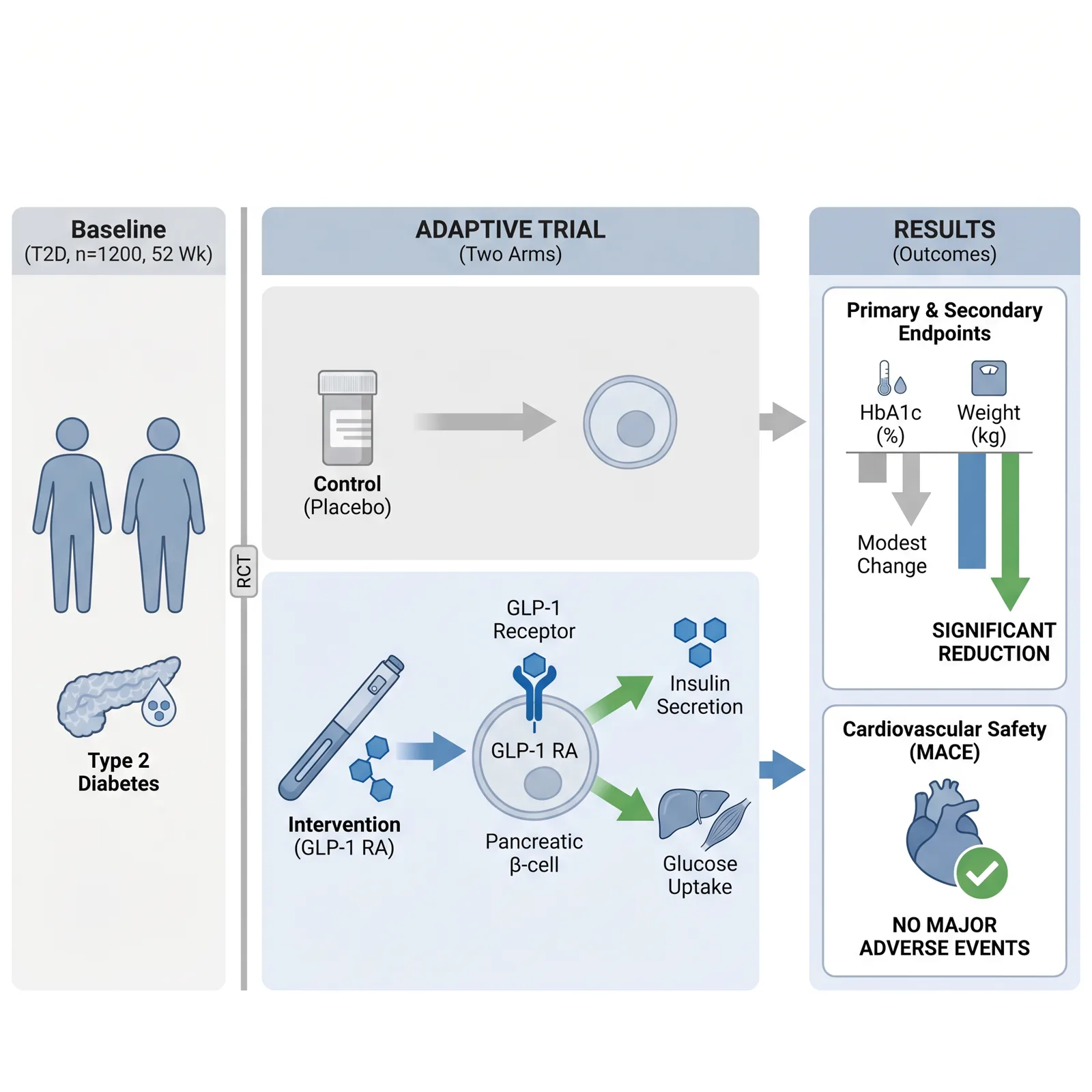
Visual Abstract vs Graphical Abstract: Check the Journal
Visual abstract and graphical abstract overlap, but they are not guaranteed to be the same deliverable. Follow the exact journal definition.
Elsevier Graphical Abstract Guidelines: Size, Format & Workflow
Elsevier recommends a minimum 1328 × 531 px graphical abstract at 300 dpi. Check the current preferred formats and your journal-specific instructions.

How to Make a Graphical Abstract Without Illustrator or Photoshop
Compare PowerPoint, Inkscape, and an AI drafting workflow, then verify dimensions, resolution, and file format against your target journal.