Is a Graphical Abstract Required? A Journal Checklist
A graphical abstract is required only when the exact journal and article type ask for one. A publisher-wide page, an example from another paper or a submission tool’s preset cannot settle that question for every manuscript. Check the current instructions before spending time on the figure.
Three decisions need separate answers: whether a visual summary is required, how you are allowed to create it, and which file you must deliver. Correct dimensions are only one part of preparing the required file.
Check the journal and article type first
Use this order:
- Confirm the full journal title, including any suffix. ACS Nano is not Nano Letters; JACS is not JACS Au.
- Open the journal’s current author instructions and select your article type: research article, review, perspective or another category.
- Search for “graphical abstract”, “visual abstract”, “TOC graphic” and “table of contents”. These terms may refer to different submission items; follow the journal’s own definitions.
- Read the requirement in context. “Required” or “must” is different from “encouraged”, “optional” or a general service advertisement.
- Compare it with the submission checklist and file-upload instructions. If they disagree, ask the journal’s editorial office and retain the answer.
If no instruction settles the question, record unconfirmed. An empty upload field or a figure in a recent issue is not sufficient evidence of a universal requirement.
A concrete example: ACS Nano
The ACS Nano author guidelines, checked on November 10, 2026, explicitly list a graphical TOC entry for Articles, Reviews, Perspectives and Nano Focus. That is a title-and-type example, not a rule for every ACS article category. The TOC appendix refers authors to the common ACS graphic guidelines.
For AMI, JACS and the ACS Catalysis size exception, use the dated official links on our ACS specification reference. Keep manuscript-figure dimensions separate from TOC dimensions.
The Elsevier graphical abstract guide also directs authors to the exact journal’s guide for specific policies and instructions. Its general artwork advice should not be read as a requirement for every Elsevier title.
“Required” does not mean “AI-generated imagery allowed”
A journal can require a TOC graphic while restricting the method used to produce it. The current ACS AI policy says AI-generated images cannot be used in TOC graphics. Do not use Abfig-generated imagery in an ACS TOC graphic, even if the file has the correct size and resolution.
For other journals, check the current policy directly, including any disclosure, confidentiality and image restrictions. A tool’s terms, an asset license and a journal’s submission policy answer different questions. Permission to reuse a template does not override a journal’s AI-image policy.
Record the answer in a small submission checklist
| Question | What to record |
|---|---|
| Is it required for this manuscript? | Journal, exact article type, instruction link, relevant wording and date checked |
| What should it explain? | One supported takeaway, the allowed visual content and any label limits |
| May I use the planned method? | AI-image policy, third-party permissions and required disclosure |
| Which file must I upload? | Dimensions, resolution, format, color requirements and upload designation |
| Is anything unresolved? | Editorial clarification needed; do not silently guess |
This record helps when several authors share the work or when the target journal changes. Recheck the instructions before submission rather than treating a saved checklist as permanently current.
If it is optional, decide whether it helps the reader
A useful visual summary makes one supported relationship easier to understand. A process, comparison or mechanism may benefit from it; a decorative collage can add work without clarifying the paper. Optional is a choice about communication, not a reason to invent findings.
For a review, the message is often the synthesis of the literature rather than a new experiment. The existing review-paper guide explains that distinction. If you choose a manual workflow, the editable PowerPoint template gives you native text and shapes to adapt. Check and adapt this general layout against your journal’s instructions.
Prepare the file only after the policy check
Use the exact target dimensions and inspect the saved file rather than only the export setting. The DPI checker can help inspect pixel dimensions and resolution metadata; it does not verify the scientific message or permission to submit it.
If your journal permits the planned AI-image workflow, you can draft a visual summary in Abfig, then review every label, arrow and implied outcome. Abfig produces raster images; its native artwork exports are PNG and TIFF. The separate PPTX template does not turn a generated image into editable objects. The author remains responsible for the final content and submission.
Review the journal policy first
Check the official journal guidance before using AI-generated imagery. If the policy is restrictive or unclear, do not submit an AI-generated figure.
Table of Contents
Author
Categories
Tags
More Posts
Why Your 300 DPI Graphical Abstract Still Looks Blurry
Check pixels, final size, and the weakest image element with a worked example. Learn what a DPI check can establish and when to export again.
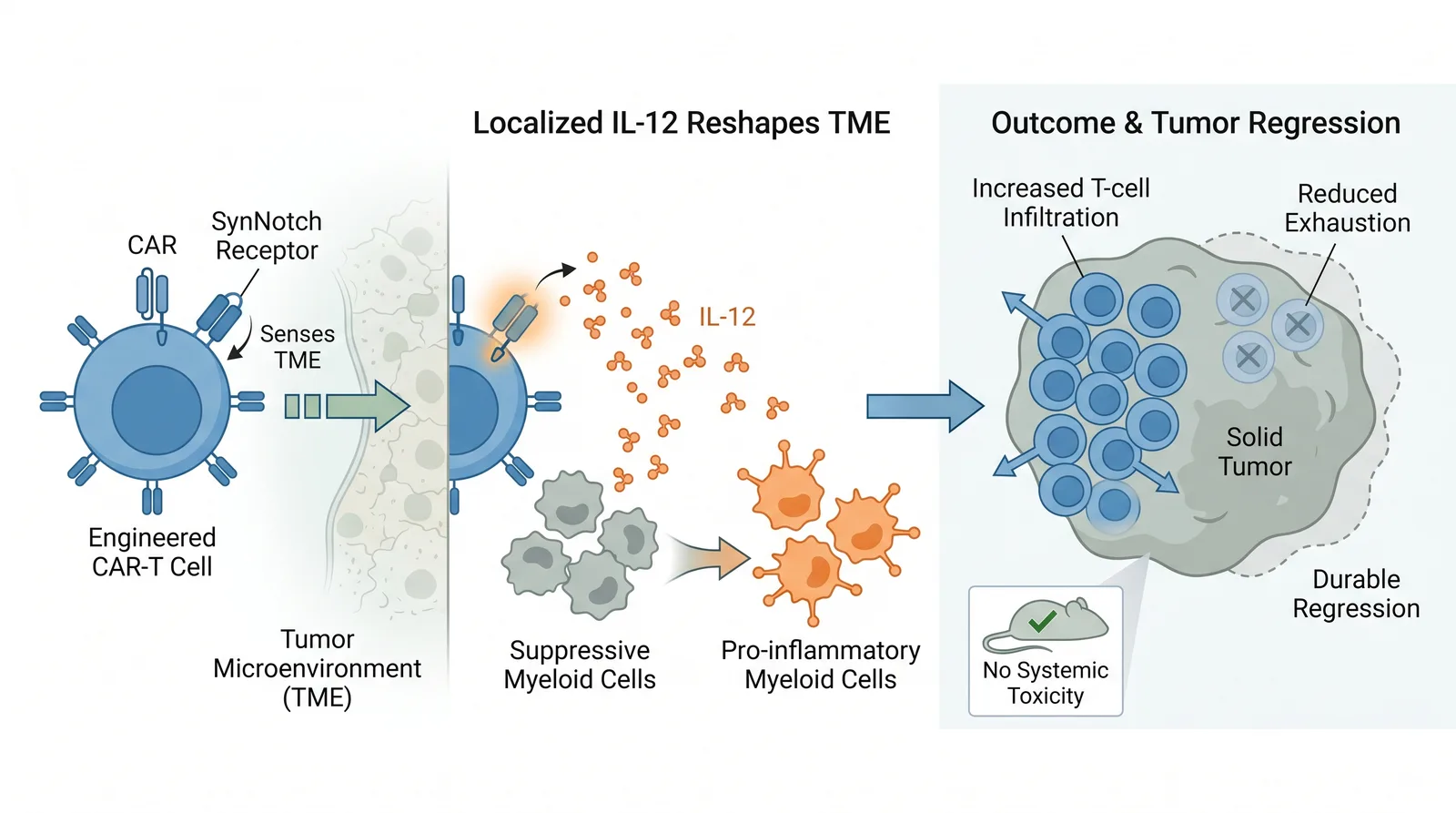
Graphical Abstract Examples: How to Analyze Layout and Hierarchy
Use illustrative Abfig drafts and official journal examples to study layout, hierarchy, labels, and visual flow.
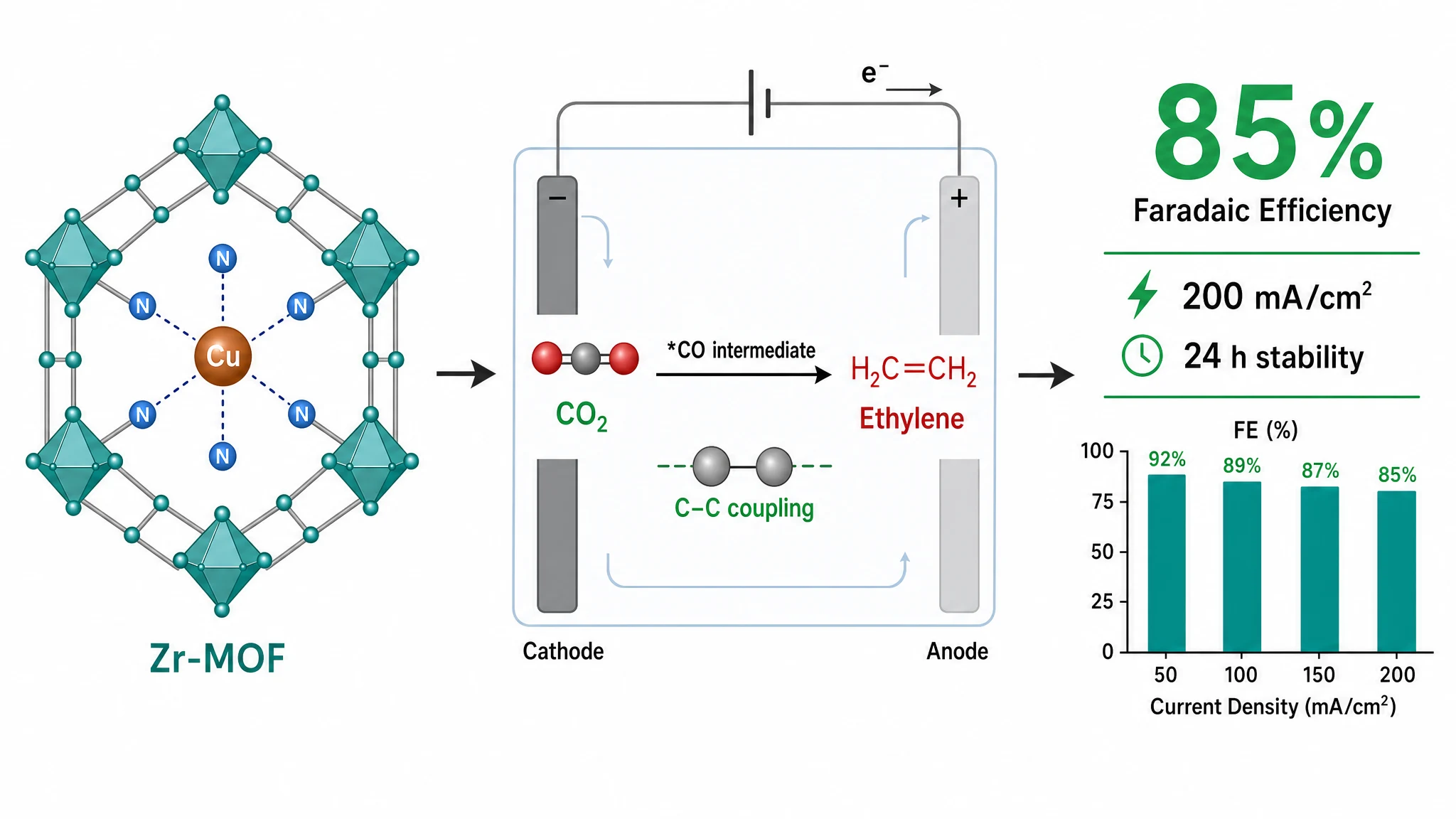
Graphical Abstract Size & DPI Requirements by Journal
Graphical-abstract size, resolution, color, and file rules are journal-specific. Compare cited examples, then verify the exact journal.